
How Nigerian Creators Can Write Better YouTube Video Descriptions
A better YouTube video description tells a viewer what the video will help them do, then gives the next useful details in a clear order. For a Nigerian creator, that may mean naming the exact problem, stating the result, adding the few links the viewer needs and crediting collaborators properly. Write for a person first. A description should support the video, not become a wall of repeated keywords.
YouTube advises creators to make the first few lines explain the video because that is the part viewers see before opening the full description. It also recommends a unique description for each video. Those two ideas give you a practical starting point: write the opening for this particular video before you add reusable channel information.
Give the first two lines one clear job
The opening should answer: what is this video about, and why would the right viewer continue? Avoid beginning with a long greeting, a list of social handles or a paragraph about your channel. Those details can sit lower down.
Suppose you publish a tutorial on photographing handmade jewellery with a phone. A useful opening could be:
Learn how to photograph handmade jewellery with a phone, a window and one sheet of white card. This tutorial shows the lighting position, camera angle and simple editing steps.
That opening is specific. It does not promise professional results for everyone, and it does not hide the lesson behind a generic statement. It also uses the words a suitable viewer may recognise naturally.
Build the description in a useful order
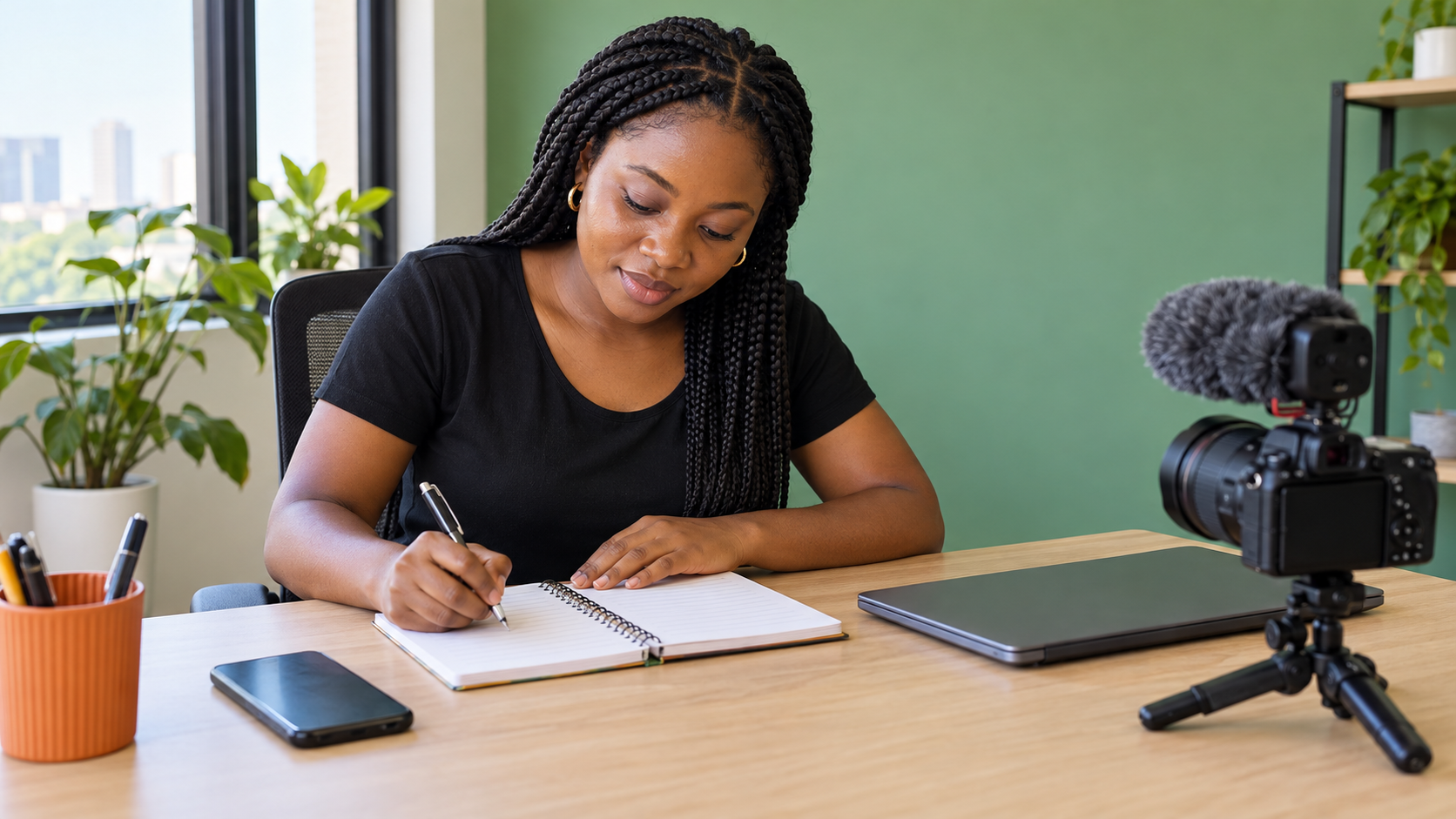
You do not need one rigid template for every channel. You do need an order that helps the viewer scan. For many tutorials, reviews and explainers, this sequence works:
- One or two opening lines: state the topic and practical outcome.
- Important context: mention who the video suits, the product version used or a limitation that changes the advice.
- Main resource: add the worksheet, product page or supporting article that the video directly refers to.
- Credits: name collaborators, music or footage sources where a credit is required.
- Channel information: add a short description of your wider work and selected profile links.
Move a link higher only when the viewer needs it to follow the lesson. A recipe creator may place the ingredient list near the top. A software tutor may put the official documentation link below the opening. The order should reflect the viewing task, not a habit copied from another channel.
Use search language without writing for a robot
YouTube's own guidance suggests identifying one or two main words that describe the video and using them prominently in the title and description. This does not mean repeating the same phrase in every sentence. Choose the plain expression that accurately names the subject, then write normally around it.
For a video titled “How to Price Custom Cakes in Lagos,” the description may naturally mention custom cake pricing, ingredient costs and delivery area. It does not need a block of near-identical phrases such as “cake price Lagos,” “Lagos cake cost” and “cheap cake price Nigeria.” YouTube says that adding excessive tags to a description is against its spam policies. Keep dedicated tags in the appropriate field and keep the description readable.
Make every link earn its place
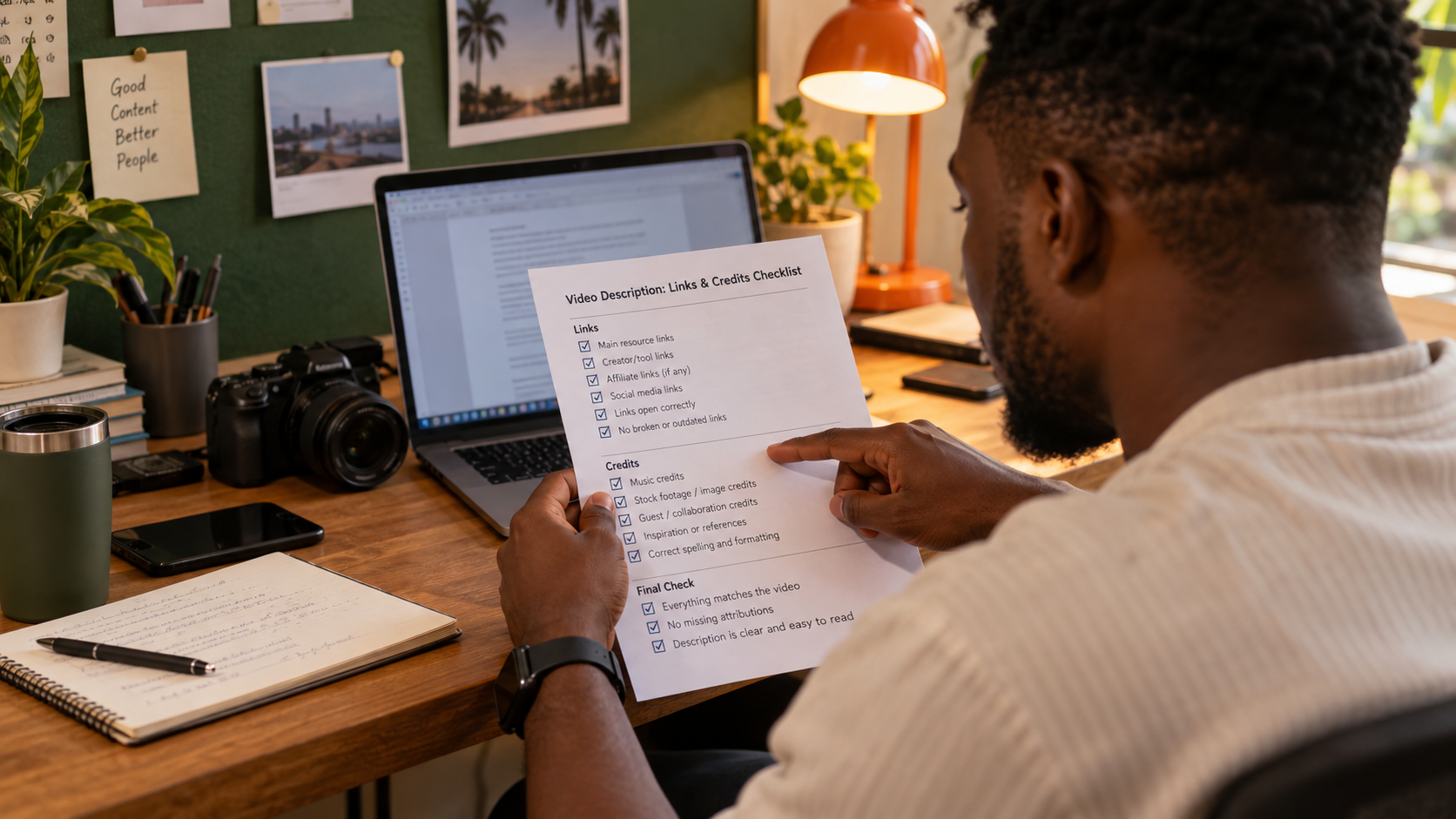
A crowded description can make the important action harder to find. List links by purpose instead of dropping a long chain of URLs. A simple label such as “Download the worksheet” or “Read the equipment list” tells the viewer what will open.
Before publishing, open every link in a private browser window. Check that it goes to the intended public page, works on mobile and does not expose an editing link, private folder or personal account. If a link is commercial or affiliate-based, disclose that relationship clearly in language your audience can understand. Do not disguise a paid relationship as an independent recommendation.
Use full, recognisable destinations when trust matters. A suspicious shortened link may discourage a viewer, especially when the description asks for a download or payment. If you update an old resource, edit the description so the video does not keep sending people to a retired page.
Credit people and material accurately
Credits are not decoration. Record a collaborator's preferred channel name and link before you publish. Copy required attribution wording from the relevant licence or agreement rather than guessing it. If a guest contributed expertise, describe the contribution accurately. Do not call someone a partner, employee or sponsor unless that relationship is true.
YouTube also provides a specific way to add a correction in a description: place “Correction:” or “Corrections:” on a separate line, followed by the timestamp and explanation. Use that feature for a factual correction that a viewer should see. Do not quietly rewrite the description in a way that hides an important error in the video.
Separate reusable text from video-specific text
YouTube supports a default description that can add basic channel information to new uploads. Use it for stable details such as a short channel introduction or a business contact route. Keep the opening, resources and credits specific to the individual video.
A default block can become inaccurate if it includes an old offer, inactive group or former team member. Review it every few months and after any major business change. A video description may remain visible for years, so dates and conditions should be explicit when they matter.
Run a final mobile check
Open the published or scheduled watch page on a phone. Confirm that the opening still makes sense when shortened, the line breaks are clean and the main resource is easy to identify. Look for accidental repetition between the title and the first sentence. Check that any contact detail belongs to the business and is safe to publish.
A useful description can support a strong video, but it cannot repair a vague lesson or guarantee discovery. Keep improving the content itself. YouTube recommends checking how viewers find your content in Analytics, but treat those reports as feedback rather than a promise that one wording change will deliver a result.
Connect description quality to promotion carefully
If you later consider promotion, make sure the watch page is ready first. Cloutingo lists different social media service options, including YouTube-related services, but each listing can have different delivery details and conditions. Read the exact service description and current terms before making a decision. Purchased engagement is not the same as an interested viewer reading your description or choosing to return.
For more practical planning ideas, review the Cloutingo blog. When your video and description are accurate, and a current service genuinely fits your goal, you can create an account and assess that option on its own terms.
A description you can maintain
Start with one existing video. Rewrite only the first two lines, remove links that do not help that video's viewer, confirm the credits and check the result on mobile. That small edit produces a description you can defend and maintain. Repeat the process video by video instead of pasting the same block across your entire channel.