
How Nigerian YouTube Creators Should Set the “Made for Kids” Audience
If a YouTube video is mainly directed at children, set it as “made for kids”. If it is intended for a general or adult audience, do not select that setting simply because the video is clean or suitable for families. Nigerian creators should decide from the actual subject, presentation, intended viewers and marketing, then keep a short record of why the choice was made.
YouTube requires every creator, regardless of location, to set an audience for videos. The choice affects which features are available, so it should be part of editorial planning rather than a last-minute upload task. This guide explains the practical decision for Nigerian education, family and children’s-content channels. It is general information, not legal advice.
What “made for kids” means on YouTube
“Made for kids” describes content directed at children. It does not mean every video that children could watch, every family-friendly video or every video without adult language. YouTube’s official audience guidance says creators should consider several factors together. No single factor automatically settles every case.
| Question | Evidence to review |
|---|---|
| Who is the video for? | Your stated audience, script, examples and the viewers you expect to attract. |
| What is the subject? | Early learning, nursery songs and play activities may point towards children more strongly than advice for parents or teachers. |
| How is it presented? | Child-directed language, stories, games, toys, animated characters and simple songs can matter. |
| Who appears in it? | The presence of child actors or models is one relevant factor, not an automatic answer by itself. |
| How is it promoted? | Titles, thumbnails, descriptions and advertising aimed at children should match the audience decision. |

Family-friendly is not the same as child-directed
A cooking tutorial can be safe for a household to watch and still be designed for adults. A family vlog may discuss parenting decisions for mothers and fathers rather than speak to children. Those examples can be general-audience content even when younger viewers might also see them.
Mixed-audience content needs more care. YouTube explains that content can still be child-directed when children are one of the intended audiences, even if adults also watch. Do not label a preschool lesson as general audience merely because parents supervise the viewing. When the answer is genuinely uncertain, review the complete official guidance and seek qualified advice that accounts for Nigerian law and any other countries you target.
Choose a channel setting or decide video by video
YouTube Studio lets you choose a default for the whole channel or review every upload separately. A channel-level setting applies to existing and future videos, although individual video settings can override it.
A channel default is useful when the editorial purpose is consistent. For example, a channel devoted only to alphabet lessons for young children may have little variation. A broader education brand that publishes nursery stories, WAEC study advice and teacher training has several audiences. Reviewing each upload is usually more appropriate for that mixed catalogue.
To set the channel default, open YouTube Studio, select Settings, choose Channel, open Advanced Settings, and select the audience option. For one video, use the Audience section while uploading or editing it. The current steps are documented in YouTube’s audience-setting instructions.
Plan around the features that change
Videos marked made for kids have several features restricted or unavailable. These include comments, notification-bell functions, cards, end screens, live chat and personalised advertising. If the entire channel is made for kids, posts and channel memberships are also unavailable.
That should change the production plan. If you normally ask viewers to leave answers in the comments, build the lesson so it works without that response. If your series depends on an end screen to direct viewers to the next episode, use a spoken instruction and a clear description instead. If a launch relies on live chat, choose another interaction method that is suitable for the audience and your safeguarding policy.
Use a short decision note for every borderline video
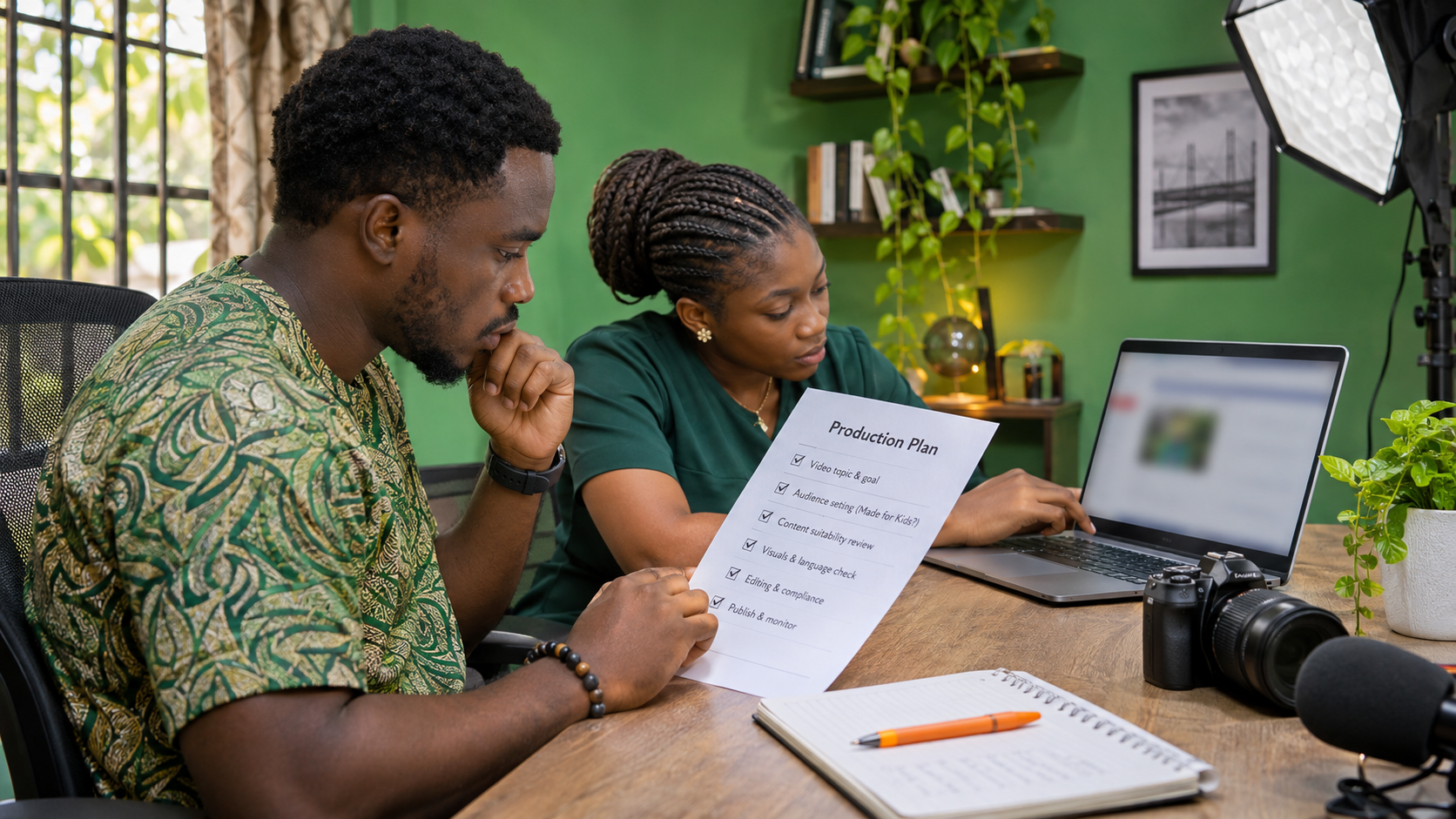
A decision note helps an editor apply the same reasoning later. It can be brief:
- intended age group and the reason;
- subject and presentation style;
- whether children, toys, songs or child-focused characters appear;
- how the title, thumbnail and promotion describe the audience;
- the final setting and reviewer’s name.
Consider a hypothetical Lagos education studio. Its first video teaches phonics directly to four-year-olds with animated letters and sing-along prompts. Its second video explains to parents how to choose reading materials. The two videos belong to the same brand, but their intended viewers and presentation differ. The studio should assess each video from the evidence instead of assuming one label covers both.
Review the setting when a format changes. A channel that once addressed adults may later add a children’s story series. An old default should not make the decision for new material.
What to do if YouTube changes the setting
YouTube can designate a video as made for kids when it identifies an error or abuse. If the setting is locked and you believe the decision is wrong, YouTube provides an appeal route in Studio. Open the affected video, point to the audience setting, choose Appeal, enter the reason and submit. YouTube says each video can be appealed once, so make the explanation specific and evidence-based.
Promote only after the audience decision is correct
Audience classification comes before promotion. Purchased views, likes or other promotion do not change who a video is directed at, and they do not replace organic content planning. Once the setting, title, thumbnail and lesson plan agree, you can review the available Cloutingo services and select only a service whose description fits the platform, target and campaign. Read the current terms before ordering because service conditions differ.
If you choose to proceed, create your account through the verified Cloutingo signup page. Treat promotion as distribution support, not a promise of recommendations, sales or long-term audience retention.
Final check before publishing
Confirm the intended viewer, compare the video against YouTube’s factors, select the correct channel or video setting, and adapt any interaction that will not be available. Keep the reasoning with the production file. That small record gives your team a clearer basis for future reviews and helps the visible content stay consistent with the setting you selected.