
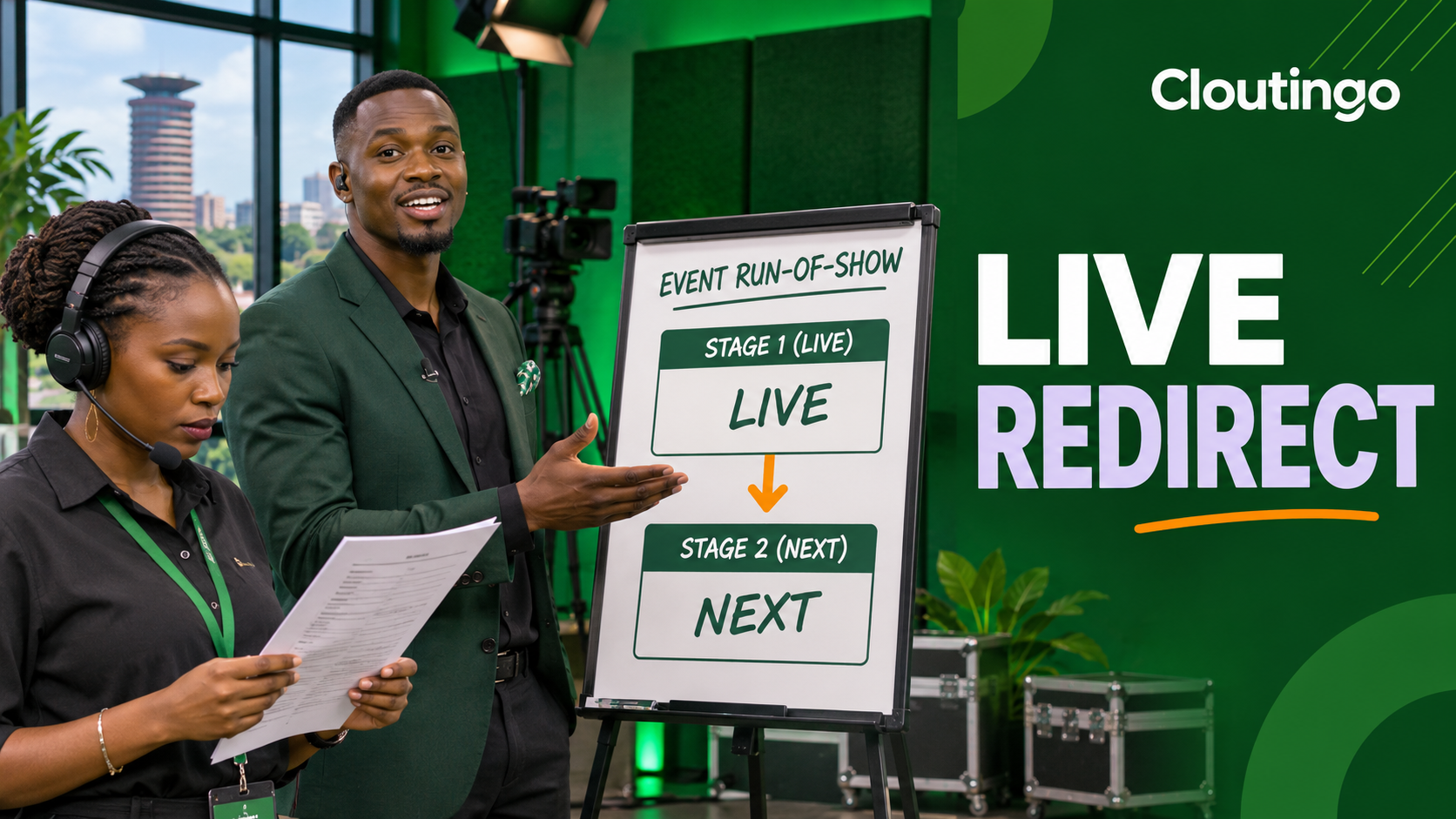
How Kenyan Event Creators Can Use YouTube Live Redirect
YouTube Live Redirect lets an eligible channel move viewers from a finished live stream to a selected Premiere or another channel’s live stream. For a Kenyan event creator, it can connect two scheduled parts of one programme, such as a discussion followed by a concert. The sending channel must have more than 1,000 subscribers and no active Community Guidelines strikes, and a receiving channel must grant permission when another creator is sending the redirect.
The feature is a handoff tool, not a guarantee that every viewer will arrive. YouTube says autoplay moves viewers after the source stream ends, but device settings, connectivity and viewer choice can affect what an individual sees. Plan the transition so people can still find the next programme if the automatic handoff does not happen.
Give the redirect one clear purpose
A redirect works best when the second programme is a natural continuation of the first. A Nairobi conference might end a panel on one channel and send viewers to a partner’s live product demonstration. A church could finish an announcement stream and continue with a separately produced service. A musician might move from a short pre-show conversation to a scheduled performance.
Write down the event as two separate destinations:
- Source: the live stream that ends first.
- Destination: the Premiere or live stream that should open next.
- Owner: the channel responsible for each destination.
- Go-live time: when the destination will be available.
- Fallback: the exact title and channel name viewers can search for.
If the destination is vague, private by mistake or owned by a team that has not approved the handoff, the redirect should not be treated as ready.
Confirm eligibility and access early
Check the sending channel before event day. According to YouTube’s Live Redirect guidance, the creator sending a redirect needs more than 1,000 subscribers and no Community Guidelines strikes. Do not build an event plan around the feature until the Redirect option is visible in YouTube Studio.
For an internal handoff on the same channel, confirm that the destination has already been created. For a handoff to another channel’s live stream, contact that channel’s owner or manager. YouTube requires the receiving channel to allow your channel to redirect to its content.

Set the destination in YouTube Studio
YouTube’s current setup path is straightforward:
- Open YouTube Studio.
- Select Content, then open the Live tab.
- Hover over the source stream and choose Edit.
- Open Customization.
- Under Redirect, choose Add.
- Select your Premiere or search for the other channel’s live stream.
Read the source and destination titles aloud before saving. Similar event names can cause a production team to select the wrong programme. Include the date or stage name in internal run sheets even if the public titles are more polished.
Configure permission on the receiving channel
The receiving channel controls who may redirect viewers to it. In YouTube Studio, go to Settings, then Community. The channel can allow subscribed channels, all channels or specific channels.
The specific-channel option is often the clearest choice for a planned event partnership. YouTube currently permits up to 100 channels on that list. If the receiving channel relies on the “channels I subscribe to” setting, its subscriptions must not be private for that permission route to work. Save the setting, then ask the sending team to confirm that the destination appears in its Redirect search.
Avoid selecting “all channels” simply to solve a last-minute access problem. The owner should understand the wider permission before enabling it. After the event, review whether temporary partner access should remain.
Rehearse the handoff, not only the stream
A camera test does not prove the transition is ready. Run a short private or unlisted rehearsal when appropriate for the team. Confirm the selected source, the intended destination and the permission setting. Check the final privacy level separately before the public event.
YouTube’s live settings guide notes that a stream may be public, private or unlisted. It also says scheduled streams may appear as upcoming to subscribers and viewers can choose “Notify me”. Those controls are useful, but the production team still needs to verify what is actually visible to a signed-out viewer.
Add one named person to the run of show as the redirect owner. That person watches the source ending, checks that the destination is live or ready and gives the host a cue. Do not assume the presenter, encoder operator and channel manager all share the same information.

Tell viewers what will happen
Near the end of the source stream, the host should name the next programme and tell viewers to remain on the page. YouTube advises creators to explain that viewers may need to wait a few seconds for their screen to reload. Use plain language:
“We are ending this session now. Stay here for a few seconds and YouTube should take you to the main performance on the Kijani Events channel. If it does not open, search for ‘Kijani Main Stage Friday’.”
That is a hypothetical script. Replace the channel and programme names with the verified public details. Do not tell viewers that the transfer is certain. A clear fallback gives them another route without turning the final minute into a technical lecture.
A hypothetical Nairobi conference flow
Suppose a conference has a morning interview on the organiser’s channel and an afternoon workshop on a sponsor’s channel. The sponsor adds the organiser to its specific-channel redirect permissions. The organiser selects the sponsor’s scheduled workshop as the destination and captures the confirmation in the run sheet.
Ten minutes before the morning programme ends, the redirect owner checks that the workshop watch page is available. The host announces the workshop’s title and channel. After the closing sentence, the stream ends normally and the team watches the transition from a separate device.
The team also keeps the verified workshop title in the source description and event chat plan. If the destination changes, the owner updates the spoken instruction rather than trusting an old redirect. This example illustrates production planning and does not predict how many viewers will continue.
Prepare a failure route
If the Redirect option is missing, the destination cannot be selected or the partner has not granted permission, do not improvise with an unverified link. Use the fallback title and channel name that the team already checked. If there is enough time, update the source description with the correct public destination and have a moderator repeat it in chat.
Do not keep a finished stream running only to create the appearance of continuity. Close the programme clearly. Viewers understand a deliberate ending better than dead air while the team searches for settings.
Review the event after the handoff
The post-event review should focus on the transition itself. Did the host give the correct name? Was the destination ready when the source ended? Did the receiving channel use an unnecessarily broad permission? Did viewers report confusion about where to go? Record the answers while the production details are still fresh.
Keep audience analytics separate from the technical review. A redirect can make navigation easier, but it does not guarantee that people will stay, subscribe or buy. The destination still needs a relevant programme and a clear opening.
Add promotion after both pages are confirmed
If you plan to promote the event, verify both public watch pages first. Cloutingo’s current service catalogue includes YouTube and other social media options, but individual services differ in format, audience, delivery and conditions. Review the service description and Cloutingo’s terms before placing an order.
Promotion is separate from Live Redirect and cannot guarantee attendance, retention or results. Once the event destinations and campaign fit have been checked, you can open a Cloutingo account and select only an appropriate available service.
Make the ending part of the production
Live Redirect is most useful when the transition is planned with the same care as the opening. Confirm eligibility, obtain permission, select the exact destination, rehearse the cue and give viewers a searchable fallback. The stream can then end with a clear next step rather than an uncertain technical pause.