
How Nigerian YouTube Channels Can Use Community Posts Between Videos
YouTube Community Posts can keep a Nigerian channel useful between video uploads. The strongest approach is to give every post one small job: ask a focused question, test knowledge, share a relevant image or direct viewers to a specific video. YouTube’s current Posts guidance supports text, image, video, poll and quiz posts, and eligible channels can publish immediately or schedule a post for a chosen date, time and time zone.
Posts are not a substitute for videos. They are short pieces of channel communication that can help viewers participate, remember a lesson or tell you what they need next.
Choose the job before the format
Start with what the viewer should do when the post appears. A question should collect useful replies. A poll should help the channel make a real choice. A quiz should reinforce a fact that has already been taught. An image should communicate something that benefits from being seen.
Match the format to that job:
| Post type | Useful purpose | Example |
|---|---|---|
| Text | Ask for a specific experience | Which part of invoicing takes your team the longest? |
| Poll | Choose between defined options | Which lesson should come next? |
| Quiz | Check understanding | Which setting controls this result? |
| Image | Show a reference or comparison | A labelled photograph of a lighting setup |
Do not use a poll when you have already made the decision. Viewers notice when their response cannot affect anything.
Build a light rhythm between videos
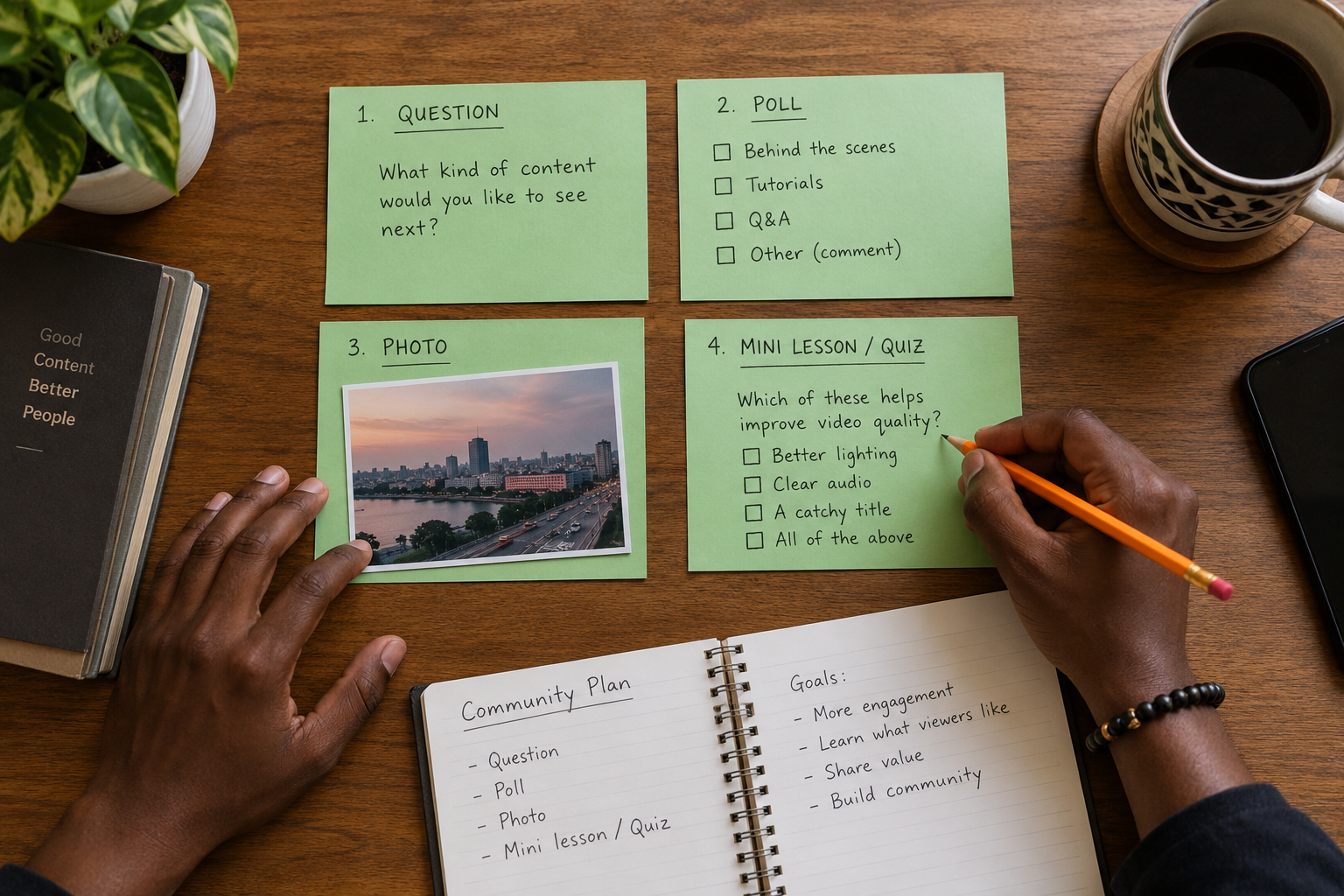
A small channel does not need to post every day. Begin with a rhythm the team can maintain. For example, a tutorial channel might publish one question after a new video, one useful image later in the week and a quiz before the next lesson. This is an illustrative pattern, not a universal schedule.
Leave time for viewers to respond. Publishing several questions in a short period can scatter the conversation and make useful replies harder to notice. A post should remain connected to the channel’s subject even when it is informal.
Make each post understandable on its own
A viewer may see a Community Post without having watched the latest upload. Include the minimum context needed to answer. Instead of writing “Which one should we use?”, name the lesson, product or decision and explain what the options refer to.
When a post depends on a video, link or mention that video clearly. Avoid unexplained references such as “yesterday’s issue” that become confusing after several weeks. A useful post should still make sense when someone finds it later on the channel’s Posts tab.
Write polls that produce a usable answer
A good poll presents options that belong to the same decision. “What should we teach next: Excel formulas, inventory tracking, customer records or monthly reports?” is clearer than mixing topics, prizes and unrelated opinions.
YouTube currently allows up to four answers in text and image polls. Keep the options distinct. If two answers mean nearly the same thing, combine them. If the correct response is not on the list, viewers may choose an option that does not represent what they want.
Use quizzes to teach, not trick
A Community quiz should make the correct answer understandable. Ask one question, provide plausible options and use the explanation field to clarify why the answer is correct. Avoid obscure wording that rewards guessing rather than learning.
YouTube’s current documentation says a quiz post can have one correct answer and an optional explanation. Once a quiz is saved, it cannot be edited; it must be deleted and recreated if it is wrong. Check facts and spelling before publishing.
Prepare images for the feed
Use an image when it carries information more clearly than text alone. YouTube permits up to ten images in one image post and suggests a 1:1 aspect ratio because that is how images appear in the feed. Supported formats include JPG, PNG, GIF and WEBP, with a current size limit of 16 MB.
Keep important details away from the edge and use readable contrast. Add enough context in the post text for viewers to understand why the image matters. Do not turn a small square into a crowded presentation slide.
Schedule with the correct time zone
YouTube’s scheduler asks for a date, time and time zone. Confirm that the selected zone matches the intended audience and team calendar. Nigerian channels normally plan in West Africa Time, but a channel serving viewers elsewhere may choose another release window.
Scheduling is useful for consistency, not for predicting the exact moment viewers will respond. Check the scheduled section in YouTube Studio after saving. If a post refers to an event, price or availability, review it again before the publication time.
Turn viewer questions into future topics
Collect repeated questions from post replies and group them by learning need. One group may reveal a missing beginner lesson, while another suggests a short clarification for experienced viewers. Do not copy private details or identify a viewer without permission.

Check whether the channel can use Posts
YouTube says Posts are unavailable for supervised accounts and channels set as Made for Kids. Access can also vary by channel role. Do not build a publishing plan around a feature that the assigned team member cannot access.
Channel owners should also confirm who is responsible for checking scheduled material. If the person who drafted a post loses access or leaves the team, another authorised person needs to know what remains in the schedule. This is an editorial continuity issue, not a reason to share passwords.
Posts may appear on the channel page, Home or Subscriptions feeds, and some image posts may appear in the Shorts feed. None of those placements is guaranteed for a particular post. Treat the Posts tab as a useful owned section of the channel, not a promise of distribution.
Connect Community Posts to the wider channel
When a post points to a video, explain the exact value of watching it. After your channel has a useful mix of videos and posts, you may review Cloutingo’s current service catalogue for a relevant YouTube option. Available services differ in audience and terms, and promotion does not guarantee subscriptions or meaningful participation.
Read the Cloutingo conditions before making a purchase. If a current option fits an already useful channel plan, open your account and keep evaluating Community Posts by the quality of questions, answers and topic ideas they produce.