
How Nigerian YouTube Creators Can Set Up a Channel Trailer and Featured Video
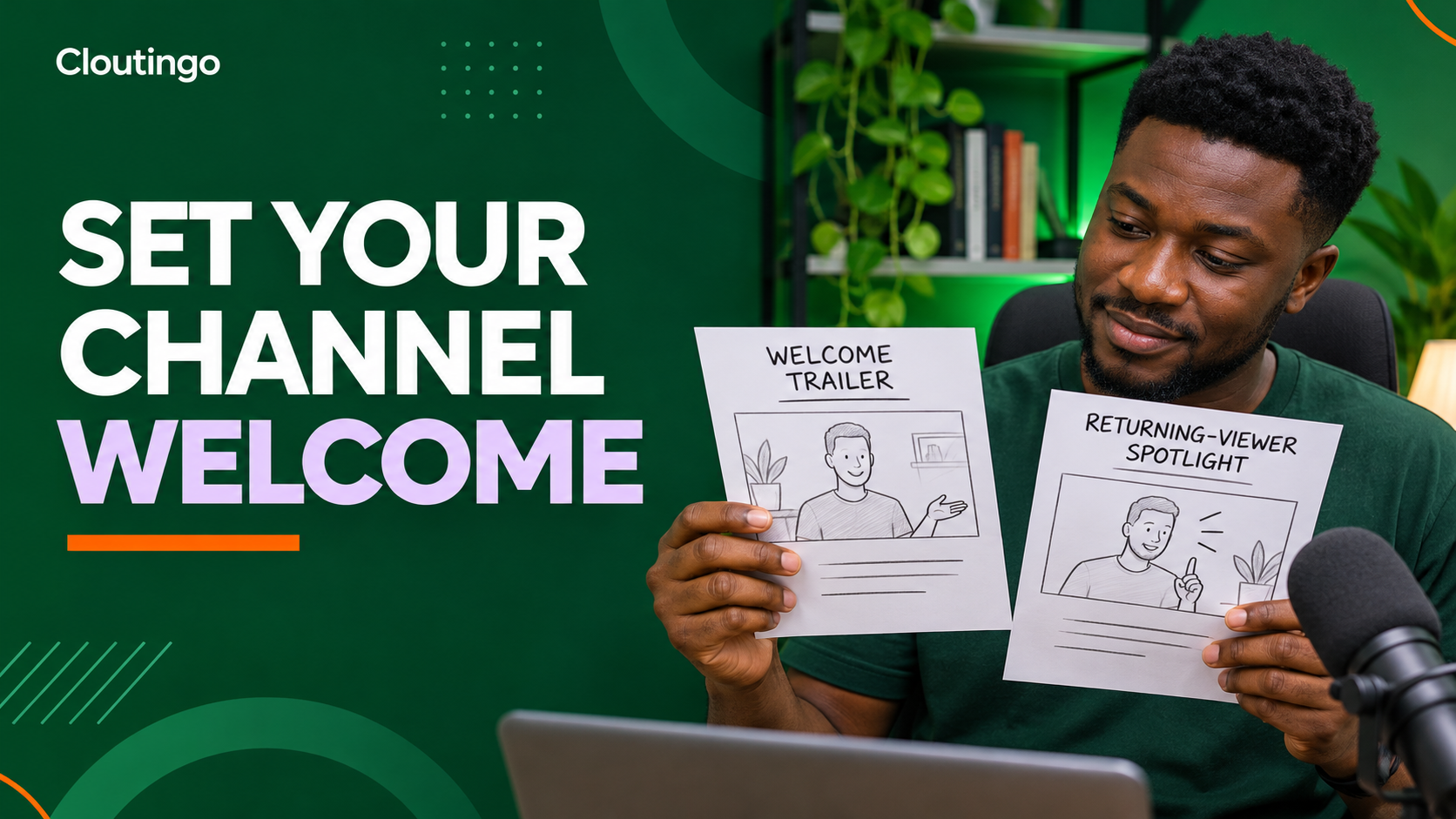
A YouTube channel trailer should introduce your channel to people who have not subscribed, while a featured video should give returning subscribers a useful current next step. Nigerian creators should not use the same video for both jobs by default. The two audiences arrive with different levels of context.
YouTube places both options on the channel Home tab. The trailer is for new visitors. The Spotlight featured video is for returning subscribers. A clear setup helps someone understand the channel before you consider any paid promotion.
Turn on the Home tab first
Open YouTube Studio, select Customization, then open the Home tab. Confirm that the Home tab is enabled. Without it, the trailer, returning-subscriber spotlight and custom sections will not form the channel welcome you are planning.
The Home tab is not the same as a video watch page. It is a channel-level introduction. Its job is to help a visitor understand what the channel publishes and where to begin.
Give the two videos different jobs
A first-time visitor may not know your name, subject or publishing style. A returning subscriber already has some context and usually needs something current.
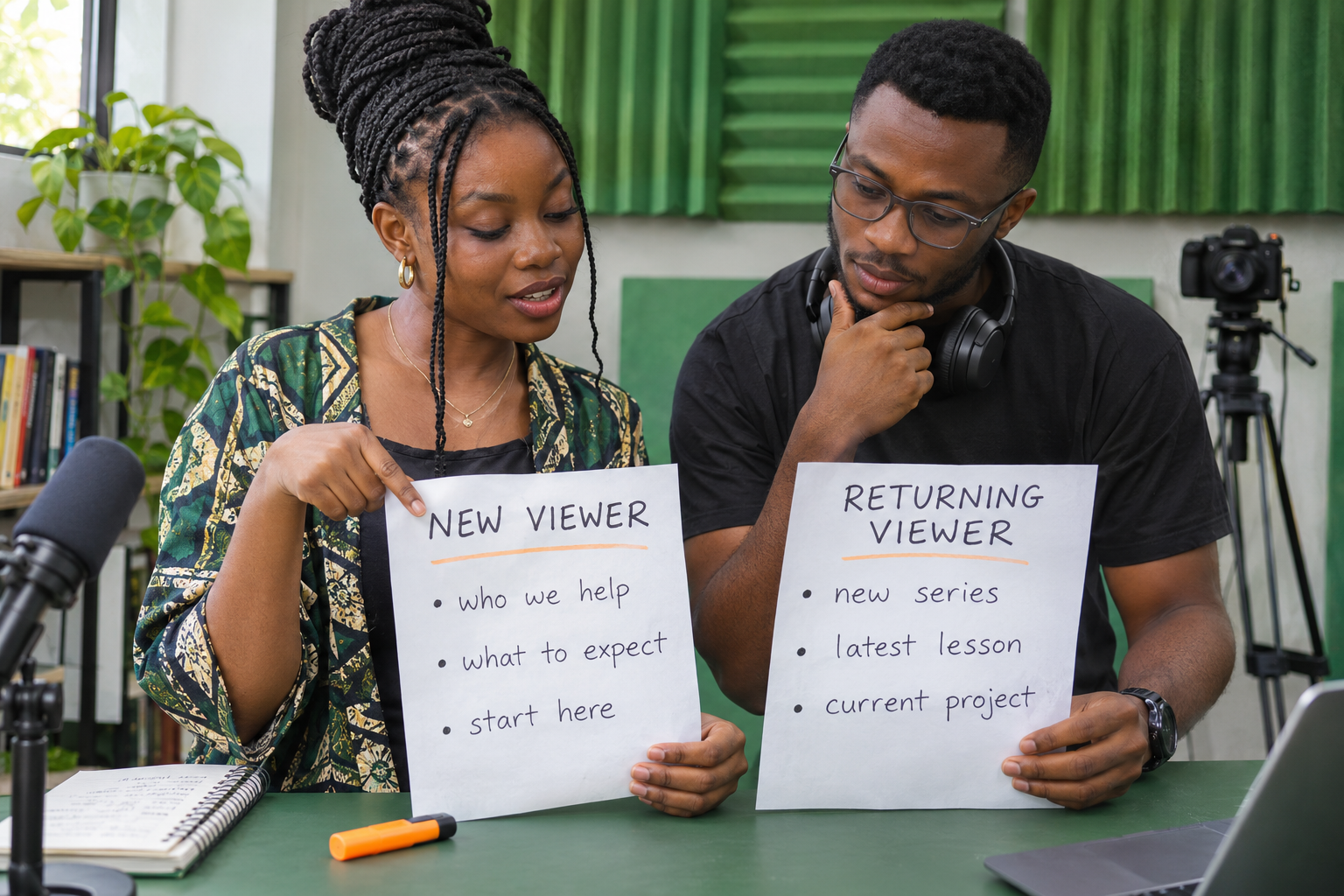
- Channel trailer: explain who the channel helps, the type of videos available and a sensible place to start.
- Featured video: highlight a timely series, important new lesson, current project or strong recent release for returning subscribers.
YouTube says a channel trailer is shown to people who have not subscribed. Once a viewer watches it, it will not be shown to that viewer again. The returning-subscriber featured video follows the same once-watched behaviour. This makes each choice a welcome surface, not a permanent message every visitor will repeatedly see.
Write a practical channel-trailer brief
Do not begin with a long personal history. Give the visitor information that reduces uncertainty:
- Name the subject or audience in the opening.
- Show two or three representative moments from the channel.
- Explain the value in plain language.
- Point to one starting video, playlist or recurring series.
- Invite a subscription only after the viewer understands what they would receive.
A Nigerian exam-preparation creator, for example, could explain that the channel breaks down WAEC Mathematics topics, show short examples of worked problems and direct new viewers to a beginner revision playlist. The trailer should not claim that watching guarantees an examination result.
Choose a trailer that represents normal work
A dramatic montage can look polished while saying little about the channel. Use a video whose presenter, pace, language and production quality match what a subscriber will normally receive. If most lessons are calm screen-based explanations, a loud cinematic trailer may create the wrong expectation.
YouTube notes that ads do not show on the channel trailer by default unless the video contains third-party claimed content. That is another reason to use material you control and review any copyright restrictions before selecting it.
Select a returning-subscriber spotlight
The featured video should answer “what matters now?” It can be your own upload or another YouTube video that is genuinely useful to the audience. A good candidate may introduce a new series, explain a major channel update or direct subscribers to a timely resource.
Do not keep an outdated announcement in the spotlight because it once performed well. Add a calendar reminder to review this position after a launch, course cycle or campaign ends. The right replacement is the most relevant current entry point, not automatically the newest upload.
Add the videos in YouTube Studio
Add the channel trailer
- Sign in to YouTube Studio.
- Select Customization, then Home tab.
- Under Layout, choose Add section and then Channel trailer.
- Select the intended video and publish the change.
Add the returning-subscriber video
- Remain in the Home tab layout.
- Choose Add section and then Spotlight.
- Select the video to feature for returning subscribers.
- Publish the change.
Labels and layout can change, so compare these steps with the current controls visible in Studio and YouTube's official channel-layout guidance.
Arrange the surrounding sections
The trailer should not lead into a disorganised page. YouTube allows up to 12 custom Home-tab sections. Use only the sections that help the viewer move forward. An educator might place a “Start here” playlist first, followed by current lessons and then Shorts. A musician may lead with the latest video, then official releases and live performances.
Avoid repeating the same videos across several shelves. Each section needs a clear purpose and a label that makes sense without insider language.
Review the finished Home tab
Check the channel on a phone and a larger screen. Confirm that the selected thumbnail, title and opening make sense beside the rest of the Home tab. Listen without sound for the first few seconds to see whether the subject is still clear. Then listen with sound and check captions.
Also confirm that links, playlists and mentioned series still exist. A trailer that sends viewers to an abandoned or renamed resource creates unnecessary friction.

Review the welcome after the channel changes
Revisit the trailer when the channel changes its main audience, topic or publishing format. Review the featured video more often because its value is usually time-sensitive. Keep a simple note of the selected video, the reason for choosing it and the next review date.
Do not judge the welcome only by total views. Ask whether new visitors can describe the channel correctly and whether returning subscribers can find the current priority.
Promote a clear destination
Paid views or subscribers cannot repair an unclear channel promise, and no service can guarantee recommendations, retention or revenue. Set the Home tab first, publish useful videos and choose the correct public destination before reviewing promotion.
When the channel and campaign goal are ready, compare the current options on the Cloutingo services page. Read the exact service description and the current Cloutingo terms because audience, delivery and conditions differ. If an available option fits the goal, use the verified Cloutingo sign-up page. A clear welcome gives every later visitor a better chance to understand where they have arrived.