
How Nigerian YouTube Teams Can Share Channel Access Safely
Do not share the password to the Google Account that owns your YouTube channel. Use YouTube Studio channel permissions instead. They let an owner invite each team member with a defined role, so an editor can publish without receiving the owner's sign-in details and an analyst can view data without changing content.
This matters for Nigerian creator teams, churches, media companies and production studios that work with freelancers. The correct role reduces accidental changes, makes offboarding easier and keeps private Google activity separate from work on the channel.
Separate channel access from account ownership
A Google Account can include email, files, payment details and personal activity beyond YouTube. Giving someone its password exposes more than the channel. It can also make it difficult to see who performed an action.
YouTube's current channel-permissions documentation says permissions are safer than password sharing and let the owner control what another person can view or update. Delegates sign in with their own Google Accounts. Their private actions, such as searches, viewing history and purchases, remain associated with their personal accounts rather than the channel.
Choose the smallest role that completes the work
Start from the person's tasks, not their job title. A “social media manager” may only need to upload videos and reply to comments. A finance adviser may need revenue data but no editing access. YouTube can change role capabilities, so confirm the current table before every invitation.
| Typical team need | Role to assess | Important boundary |
|---|---|---|
| Full operational control, including permissions | Manager | Cannot delete the channel |
| Upload, publish and edit content | Editor | Cannot manage permissions or delete published content |
| Edit content without revenue visibility | Editor (Limited) | Cannot access revenue data |
| Work only on eligible subtitles | Subtitle Editor | Cannot edit other channel material |
| Review details and analytics | Viewer or Viewer (Limited) | Cannot edit channel content |
The Owner role can do everything listed by YouTube, including deleting the channel and managing permissions. Keep ownership restricted to the people who truly need it. Do not give every long-term employee the highest role simply because they are trusted.
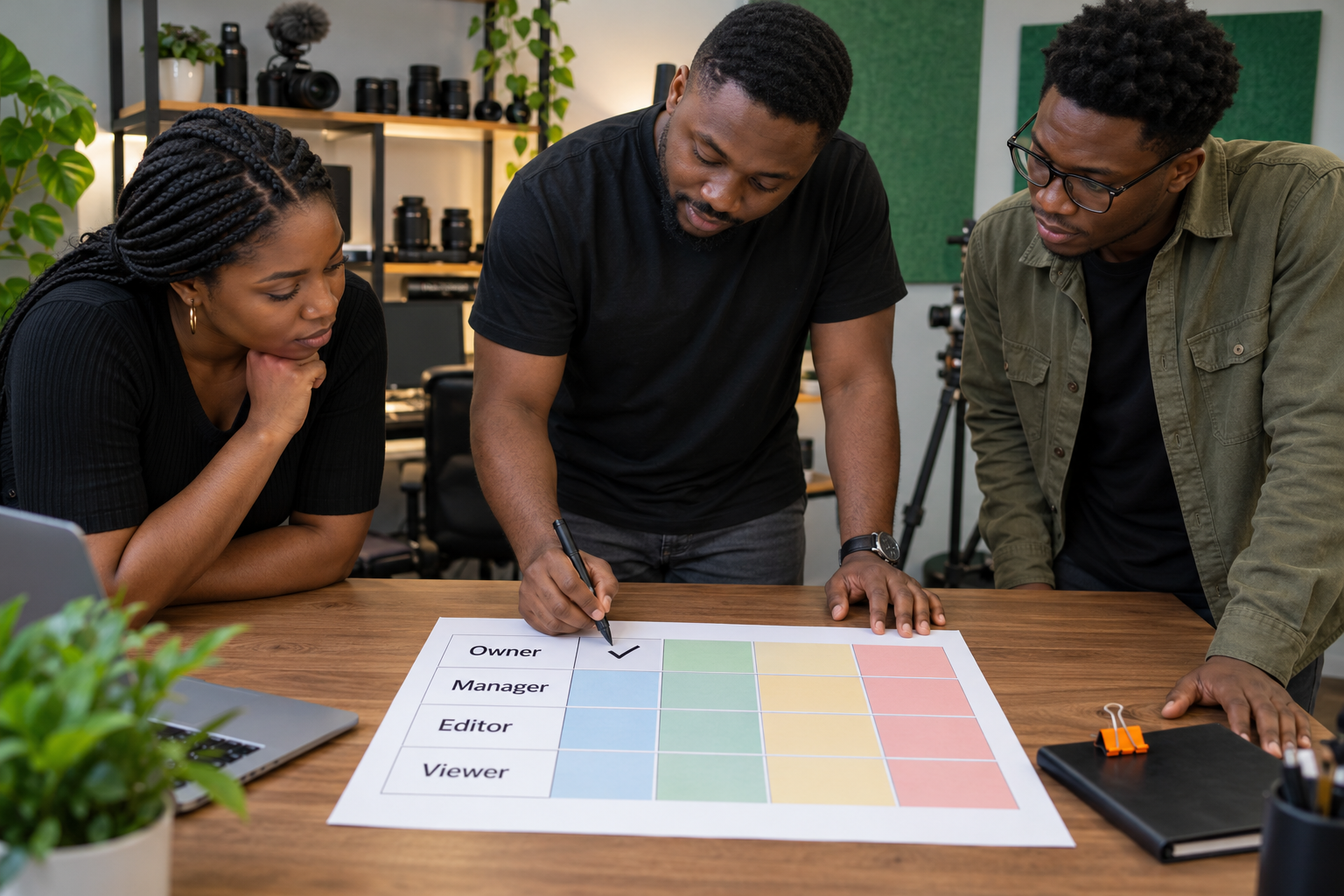
Invite a team member through YouTube Studio
On a computer, the current route is YouTube Studio, Settings, Permissions, then Invite. Enter the person's email address, choose the access role and finish the invitation. YouTube notes that an invitation expires after 30 days.
If the channel uses a Brand Account, the owner may first need to migrate to channel permissions. YouTube's migration guide explains that access management then moves into YouTube Studio. Check the migration limitations before proceeding, especially if the team relies on an unusual workflow.
Send the invitation only to an address the worker controls and protects. Ask the person to confirm the email address in writing before you grant access. A spelling error can send a privileged invitation to the wrong account.
Use a real responsibility map
Consider a three-person production team in Abuja:
- The channel founder controls ownership and approves access changes.
- The producer schedules videos, updates metadata and manages the publishing calendar.
- A freelance captioner works only on subtitles for selected videos.
The founder may retain Owner access, the producer may need Editor, and the captioner may fit Subtitle Editor if the channel and video are eligible. The decision is based on tasks. If the producer later becomes responsible for permissions, the owner can reassess Manager access rather than sharing a password.
Write this map in one internal document. Include the person's name, email, role, reason for access, approving owner and review date. Do not record passwords in that document.
Understand the limits before building a workflow
Channel permissions do not support every YouTube feature. The current help page says delegates cannot use YouTube APIs through channel permissions, and some actions may be unavailable depending on the device and role. If your production process depends on an API tool, automated upload system or a specific mobile action, test that workflow with a low-risk draft before assigning it to a deadline.
Delegates also need to notice whether an action is public or private. Uploading or replying as the channel may be attributed to the channel, while watching videos or making purchases remains personal. Train staff to check the active channel identity before publishing or commenting.
Review access when work changes
Access should follow responsibility. Review the permissions list when a freelancer finishes, an employee changes role, an agency contract ends or a device is lost. YouTube currently allows an authorised owner or manager to change a person's role or remove access in Studio.
A practical offboarding record should contain:
- the last deliverable accepted;
- drafts or source files transferred to the channel owner;
- scheduled uploads checked for accuracy;
- channel access removed or reduced;
- shared studio keys, storage links or equipment returned through their own systems.
Do not leave access active “just in case”. If the person returns for another project, send a new invitation with the role required at that time.

Keep YouTube and Cloutingo permissions separate
YouTube channel access and a Cloutingo account are different systems. A person who can edit a channel does not automatically need access to your Cloutingo balance, order history or support messages. Decide who is authorised to use each system and keep those decisions separate.
When a team uses the current Cloutingo service catalogue for a YouTube campaign, the authorised operator can obtain the correct public channel or video link from the production team without receiving the channel owner's Google password. Record the campaign approval in your own workflow and follow the current Cloutingo terms. If your organisation also handles promotion for several clients, our separate guide to managing multiple client orders covers that order-management process.
Run a permissions audit today
Open YouTube Studio and review every person listed under Permissions. For each name, answer three questions: Are they still working with the channel? Does their current task require this role? Is the owner able to explain why the access remains active?
Remove access that no longer has a business reason and reduce roles that are broader than the work. Then document who approves future invitations. A small team does not need an elaborate security department, but it does need clear ownership.
After the channel is secure and the publishing team knows its responsibilities, an authorised operator can review the available YouTube promotion categories on Cloutingo and create an account if a current service fits the campaign. Channel security should be settled before promotion begins.