
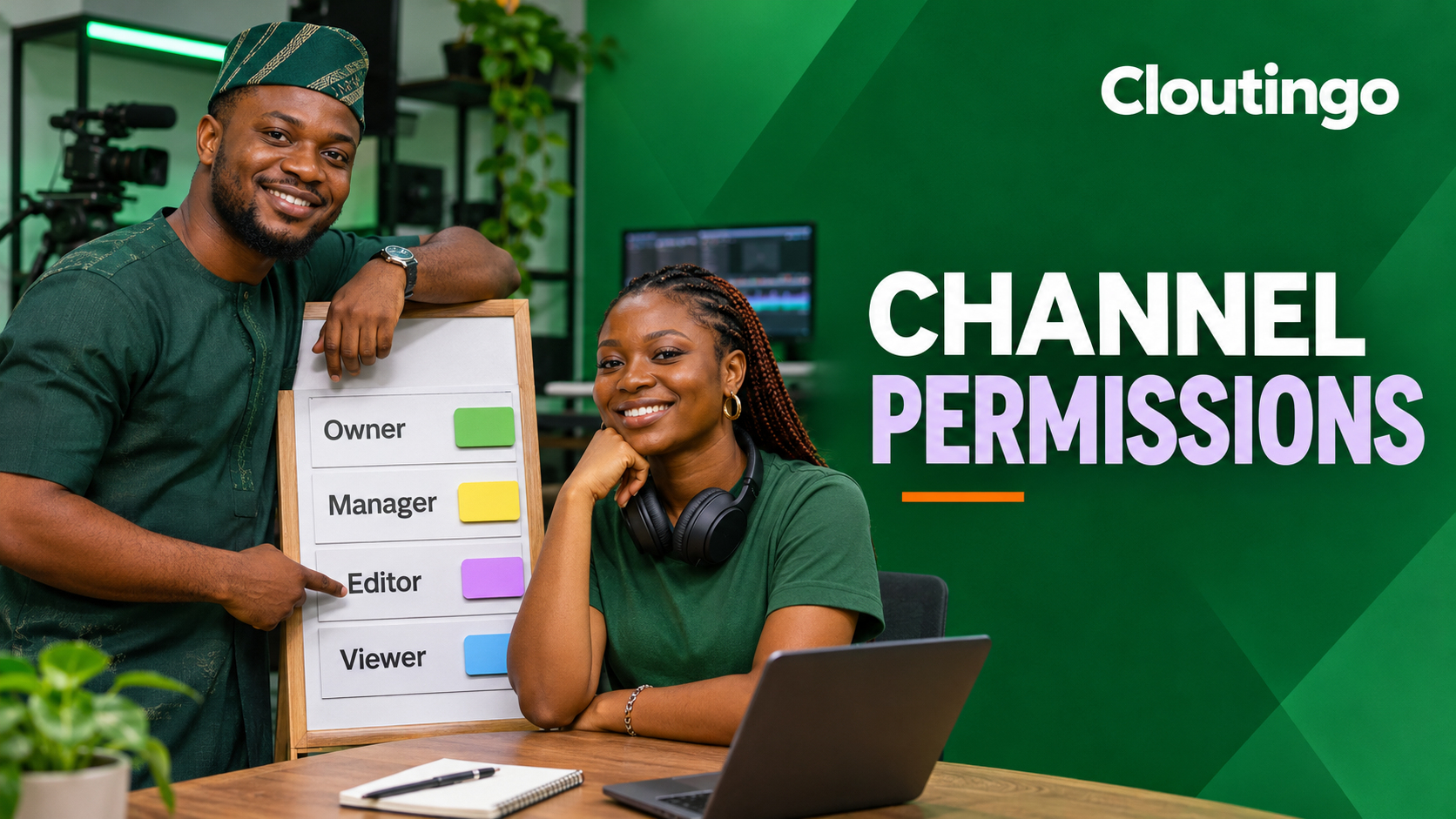
How Nigerian Content Teams Should Use YouTube Channel Permissions
Nigerian businesses and creator teams should give collaborators access through YouTube channel permissions instead of sharing a Google Account password. Assign each person the lowest role that covers their actual work, confirm the invitation, and remove access as soon as the relationship ends. This keeps publishing responsibility clearer without forcing everyone to use the owner’s login.
Permissions matter when an editor uploads videos, an agency reviews performance, or a subtitle specialist works on captions. YouTube says channel permissions are safer than sharing sign-in details because the owner can control what each invited person can see and do.
Match the role to the task
Begin with the work the person must complete, not their seniority or job title. The current YouTube channel permissions guide defines several roles. Some have limited versions that hide revenue data.
| Role | Suitable work | Important boundary |
|---|---|---|
| Owner | Full channel control. | Can delete the channel. Keep this role with the smallest practical group. |
| Manager | Runs operations, manages permissions and can delete published content. | Cannot delete the channel. |
| Editor | Uploads, publishes and edits content. | Cannot manage permissions or delete published content. |
| Editor (Limited) | Content work without revenue visibility. | Has the editor restrictions and cannot access revenue data. |
| Subtitle Editor | Adds or edits subtitles on eligible videos. | Does not receive broad publishing access. |
| Viewer or Viewer (Limited) | Reads channel information and analytics needed for reporting. | Limited viewers cannot access revenue data. |
A manager role is not a routine reward for a trusted freelancer. It includes sensitive operational powers. If the assignment is to upload approved videos, an editor role may be enough. If the assignment is caption work, Subtitle Editor is more precise. If an external analyst only prepares a monthly report, consider Viewer (Limited) when financial data is outside the brief.

A practical role plan for a Lagos production team
Imagine a four-person team managing a retail brand’s channel. The business founder retains Owner access. The internal content lead becomes Manager because she coordinates collaborators and may need to change permissions. A freelance video producer receives Editor (Limited) because he publishes approved work but does not need revenue information. A language specialist receives Subtitle Editor for the videos assigned to her.
This arrangement is only an illustration. Your structure may differ. The key is that every permission has a named business reason. Avoid giving the same broad role to the whole team for convenience.
Invite a collaborator through YouTube Studio
- Sign in to YouTube Studio with an account that can manage permissions.
- Open Settings, then select Permissions.
- Choose Invite.
- Enter the collaborator’s Google Account email address.
- Select the role that matches the approved task.
- Choose Done and tell the person to check the correct inbox.
YouTube states that an invitation expires after 30 days. Record the date it was sent and confirm acceptance before a deadline or upload day. Once access is active, ask the collaborator to complete one low-risk test, such as opening the relevant analytics view or saving an unlisted draft. The test should reflect the assignment and should not require a broader role.
Understand which identity performs an action
When a delegate performs a public channel action, such as commenting as the channel, the activity is attributed to the channel. Private actions, including searches, watch history and purchases, remain associated with the delegate’s personal account. Explain this distinction during onboarding so staff do not assume every action is recorded in the same place.
Some delegated activities are not supported. YouTube’s current documentation says invited users cannot use channel permissions for YouTube Music, the YouTube Kids app or YouTube APIs. If your workflow depends on one of those services, verify the supported method before assigning the project.
Maintain a simple access register
A separate register gives the channel owner a quick picture of responsibility. It can be a protected spreadsheet or internal document with these fields:
- person’s name and verified email address;
- role granted and the task that justifies it;
- invitation and acceptance dates;
- project owner or approving manager;
- expected review or end date;
- removal date when access ends.
Review the register after staffing changes, agency handovers or a change in the publishing process. Also put a recurring internal access review on the operations calendar. The frequency should reflect how often your team and contractors change.
Remove access during offboarding
Do not wait for the next audit when a contract ends or a staff member leaves the channel team. In YouTube Studio, open Settings, select Permissions, find the person, open the role menu and choose Remove access. Update the register at the same time.

If a collaborator’s responsibilities shrink, reduce the role rather than leaving unused privileges in place. When someone moves from publishing to reporting, Editor may no longer be appropriate. When an agency is replaced, remove the old team before giving the incoming team control.
Separate promotion duties from channel control
A social media manager may coordinate a promotion campaign without needing Owner or Manager access. Share the approved public content link and reporting requirements through your internal process. Only grant channel access when the person must perform a supported task inside Studio.
For available promotional options, review the current Cloutingo service catalogue. Each service has its own target, delivery details and terms, so match the listing to the campaign and read the Cloutingo terms. Promotion does not guarantee recommendations, sales or subscriber retention.
When the campaign owner is ready, the verified Cloutingo registration page provides the account starting point. Keep order tracking with the campaign record, but keep channel permissions in the access register. They solve different operational problems.
A controlled channel is easier to manage
Use named accounts, grant only the role a task requires, record the reason, and close access promptly. These habits give a Nigerian content team a clearer ownership trail while keeping the main Google Account password with its rightful holder. Review that trail whenever the team changes. A clear register also makes the next handover faster and less ambiguous.