
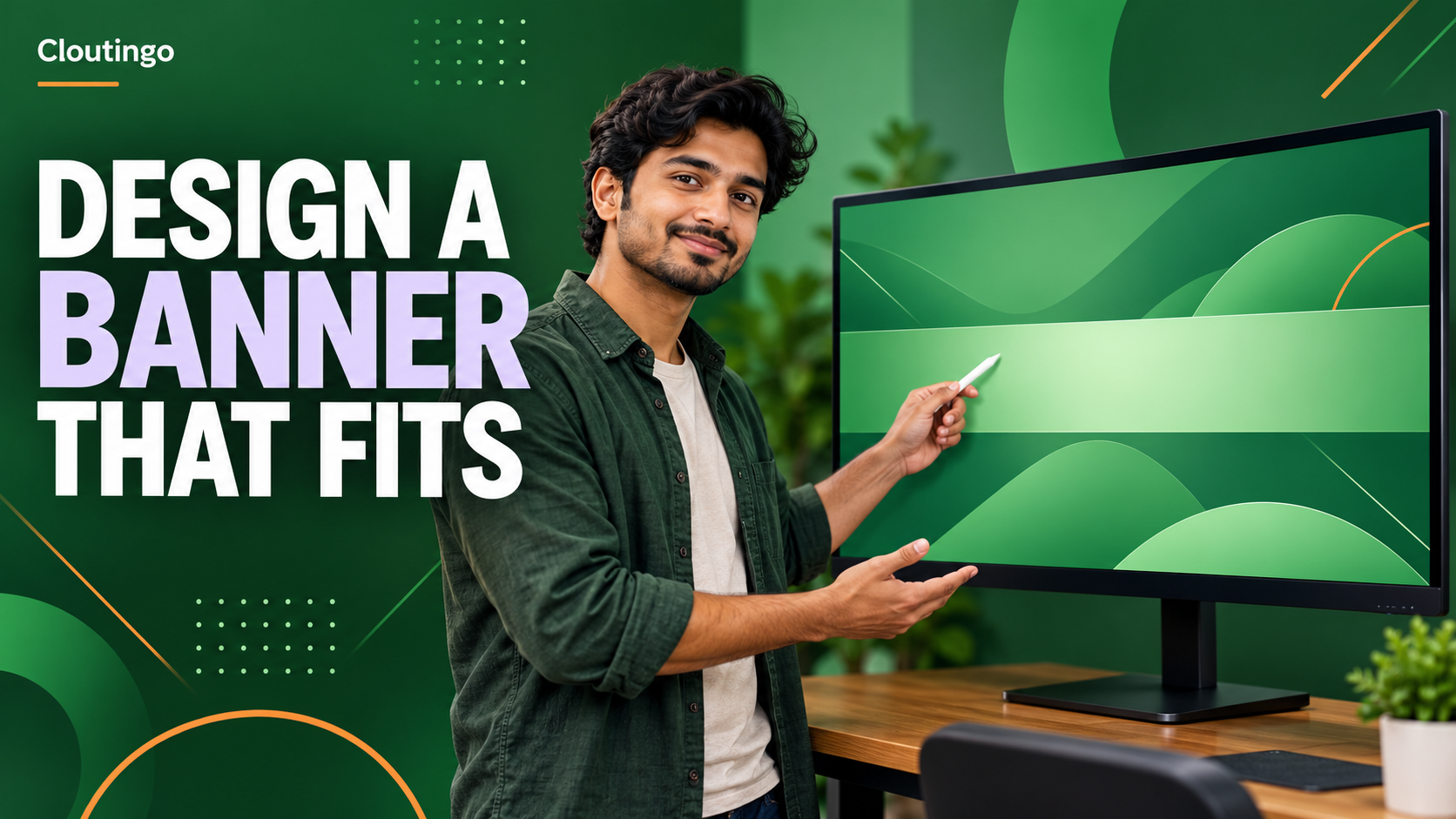
How Indian YouTubers Can Design a Channel Banner That Crops Well
A YouTube channel banner must work as one image across phones, computers and televisions. Indian creators should design on YouTube’s recommended 2560 × 1440 pixel canvas, then keep the channel name, promise and other essential details inside the central safe area. The outer artwork can add atmosphere, but it must still look deliberate when different devices crop the top, bottom and sides.
The banner is not a miniature poster. Its main job is to tell a new visitor whose channel they have reached and what the channel is about. A cooking channel might use the creator’s name plus “Regional vegetarian recipes”. A finance educator might use a short subject line, not a paragraph of credentials.
Start with YouTube’s current banner specifications
YouTube’s current help guidance recommends 2560 × 1440 pixels, especially for television display. The minimum upload size is 2048 × 1152 pixels at a 16:9 aspect ratio. At that minimum size, YouTube identifies a 1235 × 338 pixel safe area for text and logos. The file should be 6 MB or smaller. YouTube also warns that banners are cropped on some views and devices.
Check the live YouTube channel branding guidance before export because interface and file requirements can change. Build at the recommended size where possible. If your design tool offers a channel-art template, confirm its guides against YouTube’s current numbers rather than assuming the template is current.
Create a safe-area guide before adding artwork
Make the full canvas first, then draw a centred guide for the safe band. Lock that guide layer so it cannot move accidentally. The guide is not part of the finished artwork and should be hidden before export.
Place every essential item inside the safe band:
- the channel name or wordmark;
- the short statement of what viewers can expect;
- an upload schedule only if you maintain it; and
- the recognisable part of a face or mark that must never be cropped.
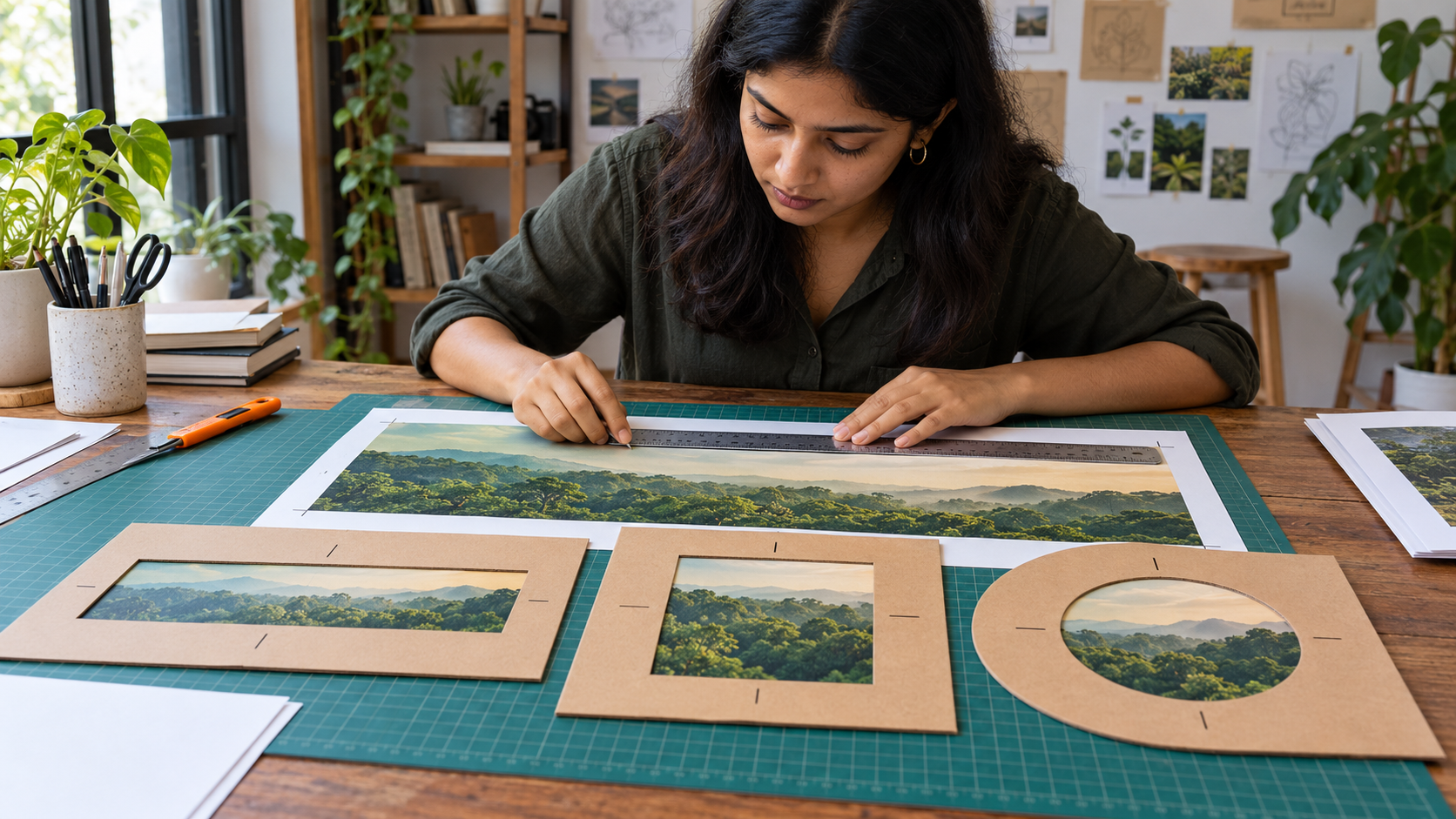
Use the outer canvas for colour, texture and non-essential photography. Do not place a phone number, key date or final word of a sentence near an edge. A television may reveal more of the artwork while a phone presents a much narrower slice.
Use a small hierarchy that survives a narrow crop
Give the banner one primary line and, if necessary, one supporting line. The primary line should be readable first. The supporting line should add meaning rather than repeat it. For example, “Meera Makes” may be the primary line and “Simple sewing projects in Hindi” the supporting line.
Choose a typeface with clear letter shapes and enough weight to remain readable at a small displayed size. Test the channel name at the width of a phone screen. Decorative lettering can be used sparingly, but a long name in thin script often becomes difficult to recognise after scaling.
Keep contrast strong. If a photograph sits behind the text, use a calm section of the image or add a solid colour field. Do not depend on a heavy shadow around every letter. YouTube’s channel-banner guidance says not to add file embellishments such as shadows, borders or frames, so use the design itself to create separation.
Choose imagery that supports the channel subject
A useful banner image gives context without competing with the name. A travel filmmaker might use one broad landscape from their own work. A classical musician may use a carefully composed portrait with the instrument. A software tutor may use a restrained geometric background rather than a row of tiny screenshots.
Use images you created, licensed or received permission to use. Do not fill the banner with small thumbnails that no one can understand at channel-header size. If the creator’s face is important, position the eyes and expression inside the safe area and allow enough clear space for the text.
Design for the way Indian viewers may read the channel
If the channel uses Hindi, Tamil, Bengali or another Indian language, test the actual script in the chosen font. Confirm that vowel marks, joined characters and punctuation render correctly. Do not replace the final text with a screenshot from a font preview. Export from a tool that embeds or outlines the type correctly.
A bilingual channel does not need to repeat a long sentence twice. Use a short bilingual name or one primary language with a concise supporting translation. Check both lines at the smallest preview. If the second line makes the banner crowded, move fuller language information to the channel description rather than squeezing it into the artwork.
Run three crop tests before export
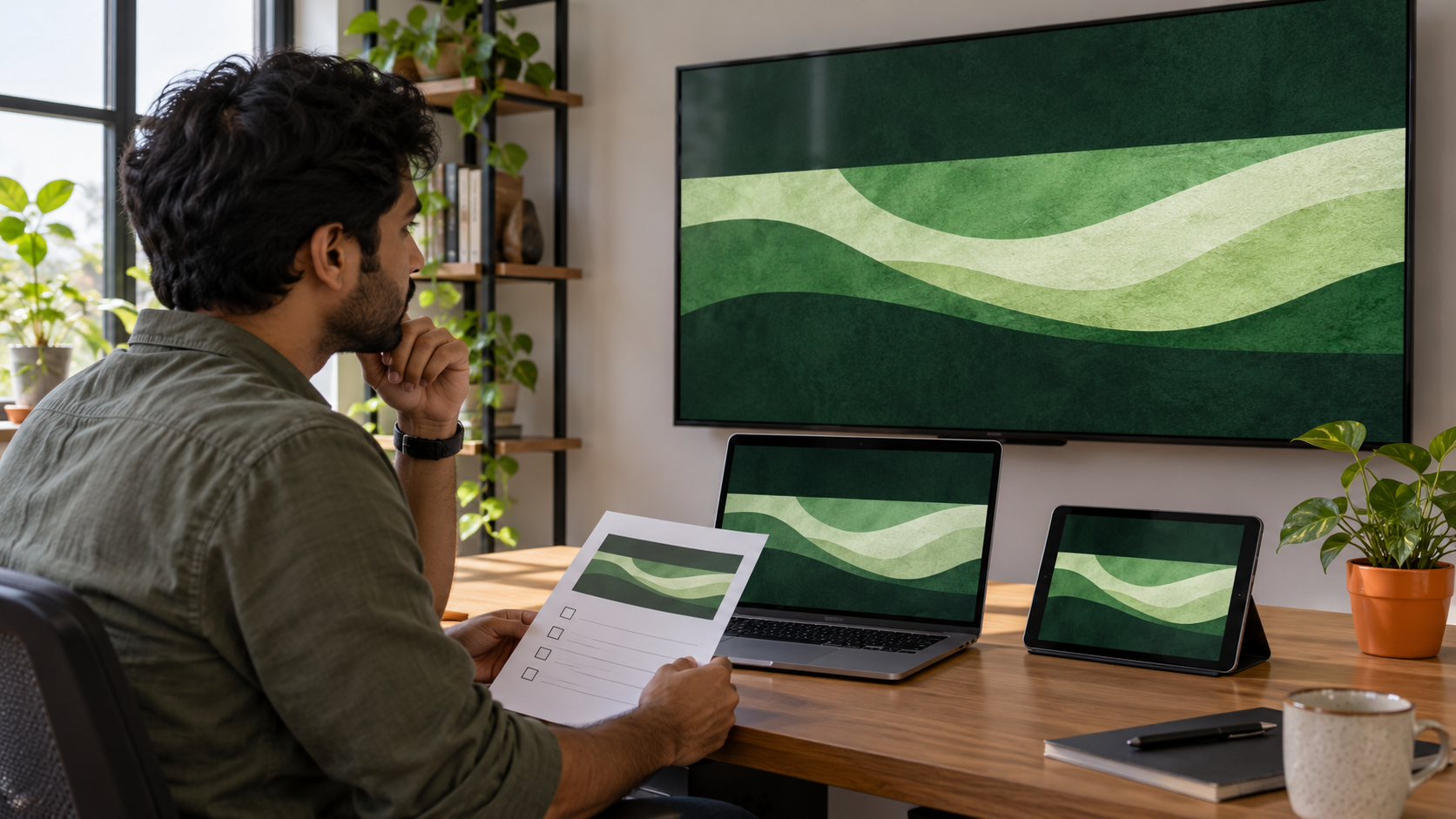
First, view only the central safe band. Ask whether a new viewer can identify the channel without seeing the outer canvas. Second, view the full 16:9 image as it may appear on a larger screen. Make sure the newly revealed areas feel connected and do not contain awkward empty corners. Third, reduce the whole design until it is roughly the width it will occupy on a phone and check legibility again.
Upload the draft privately to the channel if your workflow allows, then inspect the actual result on a phone, a computer and a television or large display. A design can be mathematically centred but still feel unbalanced after the platform crops it. Adjust the artwork based on the real preview, not only the design file.
Export a clean master and keep it editable
Export a JPG or PNG within YouTube’s file limit. Inspect the final file for blurred text, banding in gradients and accidental guide lines. Keep the editable source with linked image licences, font names and the export date. Name the file clearly, such as channel-banner-october-2026.png, so an old draft is not uploaded by mistake.
Update the banner when the channel’s subject, identity or reliable publishing schedule changes. YouTube’s own branding tips recommend consistency between the banner, profile picture and the creator’s wider identity. A stable visual system is more useful than redesigning for every video.
Make the channel page ready before promotion
A readable banner supports recognition, but it does not guarantee subscribers, views or recommendations. Before promoting a channel, check that the banner, profile picture, channel name and visible videos present the same subject clearly.
Cloutingo lists current YouTube and other social media promotion options in its service catalogue. Service audiences, delivery and conditions can differ, so read the exact description and the Cloutingo terms. If an available option fits your goal, you can create an account and proceed through the self-service platform. Use promotion to support a channel page that already looks coherent across devices.