

How Kenyan YouTube Creators Can Review Automatic Dubs Before Publishing
YouTube automatic dubbing can create translated audio tracks for eligible videos, but a Kenyan creator should review each track before making it public. Set the correct original language, preview the dub from beginning to end and unpublish or delete any version that changes a name, instruction, measurement or important meaning.
This is especially useful for creators who publish in English or Swahili. YouTube currently lists Swahili as an original language that can be dubbed into English, while eligible English videos may receive tracks in several languages. Access and supported languages can vary by channel and video, so check the Languages page in YouTube Studio rather than assuming a track will appear.
Understand what automatic dubbing does
Automatic dubbing generates translated speech and adds it as another audio track on the same video. YouTube marks these tracks as auto-dubbed. Viewers can use their preferred-language settings or switch audio tracks for a specific video.
The tool can make an explanation available to more viewers, but it does not prove that the translation is accurate or culturally appropriate. YouTube warns that dubs may contain errors caused by accents, dialects, background noise, proper nouns, idioms or technical terms. Quality can also differ between languages.
Read the current YouTube automatic dubbing guidance before relying on a specific language or control. YouTube says support is expanding gradually, which means another channel may see options that your channel does not yet have.
Confirm that your channel and video are eligible
Eligible creators may have automatic dubbing enabled by default. If the control is available, open YouTube Studio on a computer, go to Settings, choose Channel, then Advanced settings. The automatic dubbing section lets you allow the feature and, where available, require manual review before publication.
A video may be ineligible when it is longer than the current limit, contains little or no speech, uses an unsupported original language, has speech that is too fast for a usable dub, or contains copyrighted material that prevents generation. Treat the reason shown in Studio as the decision point for that video.
Set the correct original language
The original language tells YouTube how to interpret the speech. If a Nairobi educator records a lesson mainly in Swahili but labels it as English, names and sentences can be recognised incorrectly before translation even begins.
Set the video or channel language accurately during upload. If YouTube identifies the source incorrectly, correct the original language and allow the dubs to regenerate. Do not label a mixed-language recording as one language simply because that choice appears to offer more destinations.
Prepare the original audio for translation
Good source audio does not guarantee a good dub, but it reduces avoidable ambiguity. Before recording:
- write out specialist names, places, measurements and product terms;
- use a steady speaking pace and complete sentences;
- reduce music and room noise under important instructions;
- avoid unexplained slang when the intended audience may not share the context;
- repeat a safety warning when missing it would change the meaning.
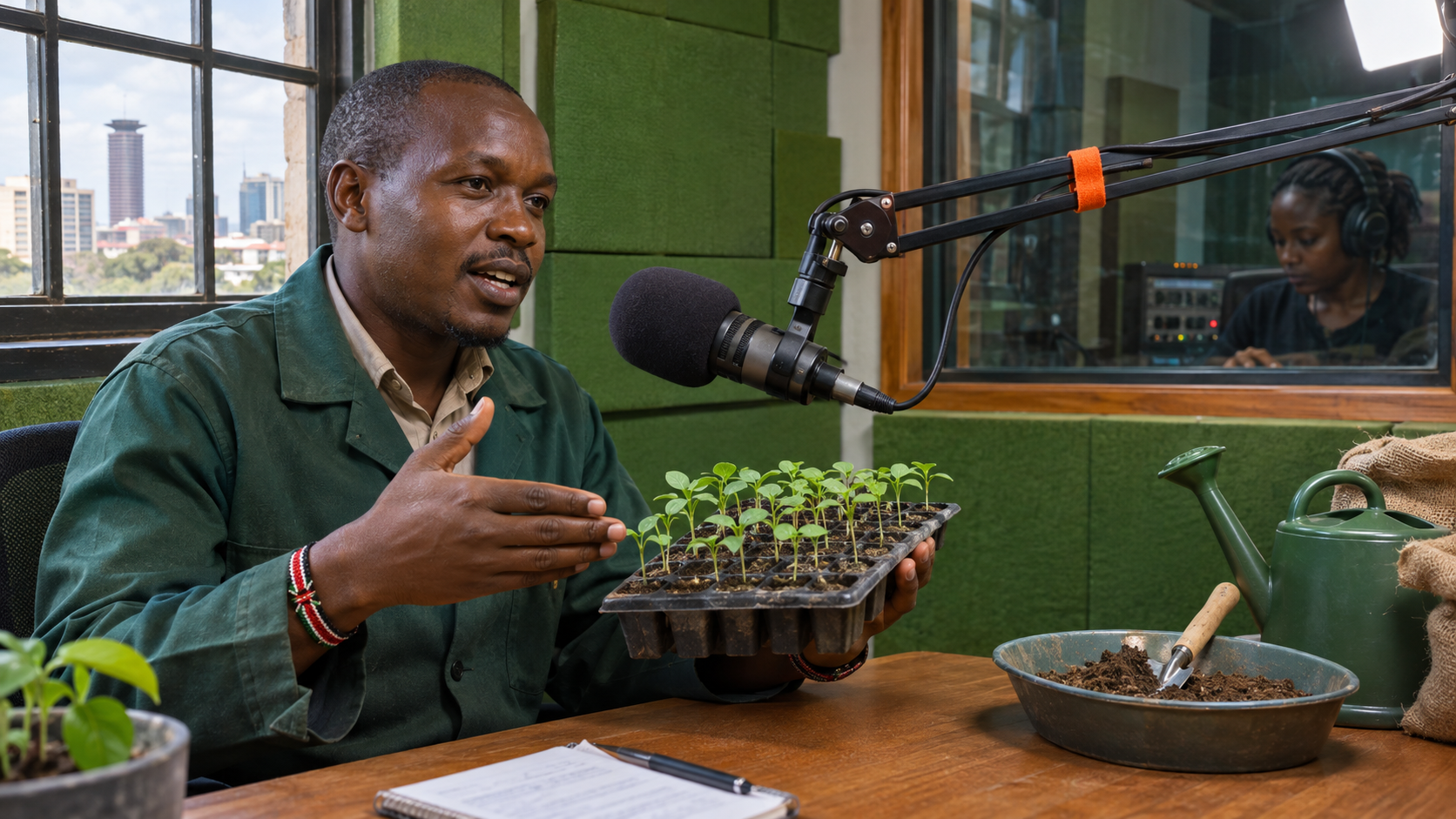
For an illustrative example, a Kenyan agriculture channel may explain how to mix a seedling solution. A translated number or unit must be checked carefully because a small speech-recognition error could make the instruction unusable.
Choose manual review for important videos
If your channel shows a manual-review setting, turn it on when a mistranslation could confuse a lesson, damage a client relationship or alter a safety message. This keeps newly generated dubs from publishing automatically while you inspect them.
Manual review adds work. Assign a named reviewer and a realistic deadline. Leaving every track unpublished indefinitely is not a quality system. It is an unfinished queue.
Review each generated language track
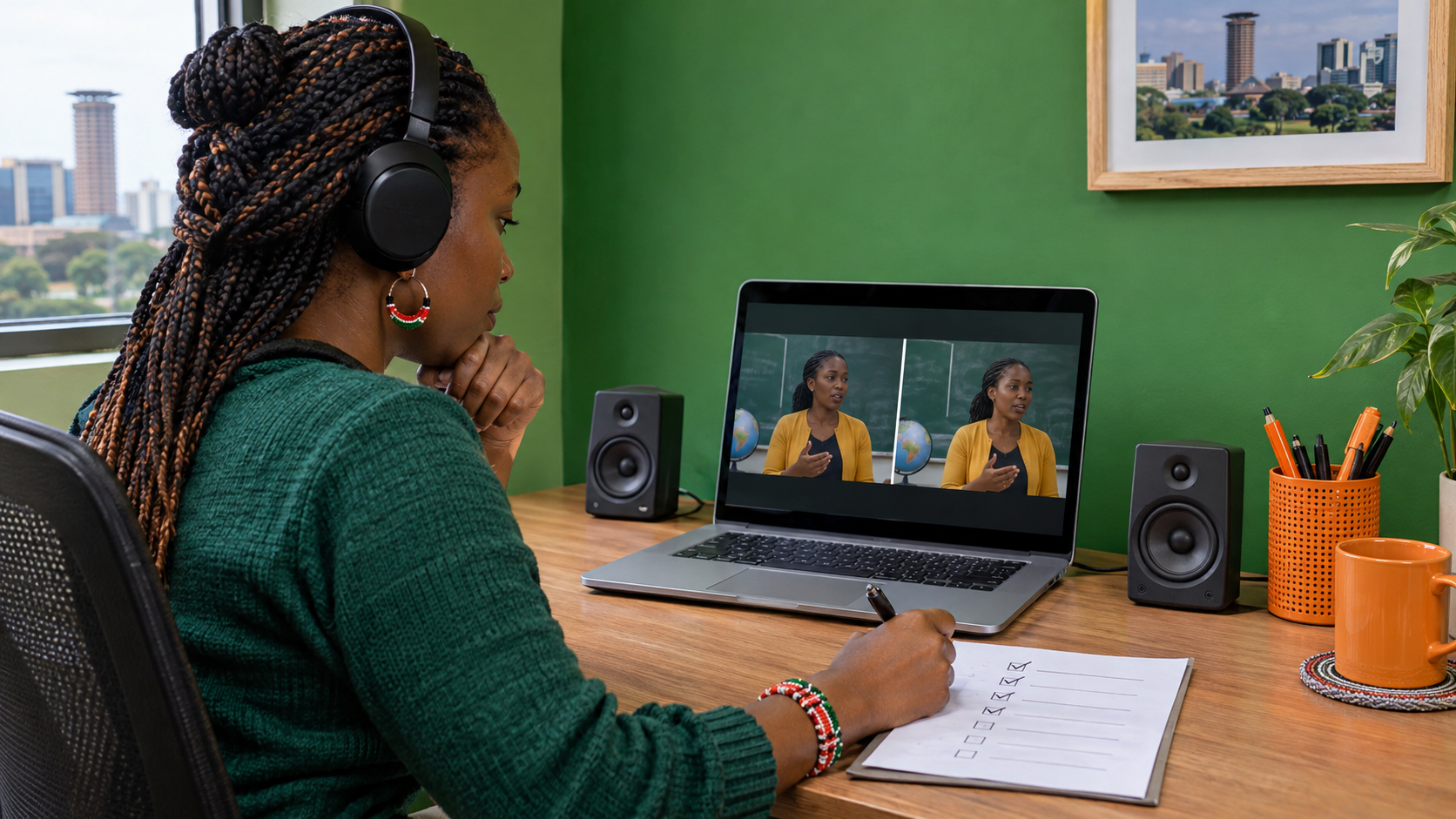
On a computer, open YouTube Studio, select Content, choose the video and open Languages. Select the relevant language, preview the audio and open the available review option to see the dub transcript. YouTube notes that automatic dubs cannot be edited directly.
Listen from the first sentence to the last. Do not approve a track after hearing only the introduction. Record the timestamp and category of each problem:
- wrong person, place or brand name;
- changed number, date, price or measurement;
- reversed instruction or missing warning;
- tone that makes a serious statement sound casual;
- speech that is too fast, unclear or tiring to follow.
Use a reviewer who understands the target language
A transcript can look plausible while the spoken delivery is awkward or misleading. For a high-value video, ask a fluent speaker to check both meaning and listening quality. Give the reviewer the original script, the purpose of the video and a short list of terms that must remain exact.
Do not describe the reviewer as a translator unless that is their actual role and qualification. For medical, legal, financial or other consequential material, use suitable professional review rather than relying on a casual language check.
Publish, unpublish or delete with a clear rule
| Action | Use it when |
|---|---|
| Publish | The full track preserves the intended meaning and is understandable to the target viewer. |
| Unpublish | You need to remove the track from viewers while keeping the option to publish it again later. |
| Delete | The generated track should not remain available. YouTube says a deleted dub cannot be republished. |
If the problem comes from an incorrect original-language setting, correct that setting and let YouTube generate the track again. If the new version still changes important meaning, keep it unavailable.
Tell collaborators what was approved
Keep a short record with the video URL, reviewed language, reviewer, date and outcome. This prevents a team member from assuming that every visible language was checked. It also helps when YouTube regenerates a dub as its systems improve.
A published dub is not permanent proof of accuracy. Recheck it after a source-language correction, major video edit or platform-generated replacement.
Promote only the version you are ready to stand behind
Automatic dubbing does not guarantee international reach, recommendations or watch time. Purchased views cannot correct a mistranslation or make an unpublished audio track available. Finish the language review first and choose the public video that matches the campaign.
When the video and target audience are clear, compare the current YouTube options on the Cloutingo services page. Read the exact listing and the current terms because service audience, delivery and conditions differ. If a suitable option is available, use the verified Cloutingo sign-up page. A reviewed dub is part of publishing quality, not a promise of performance.