
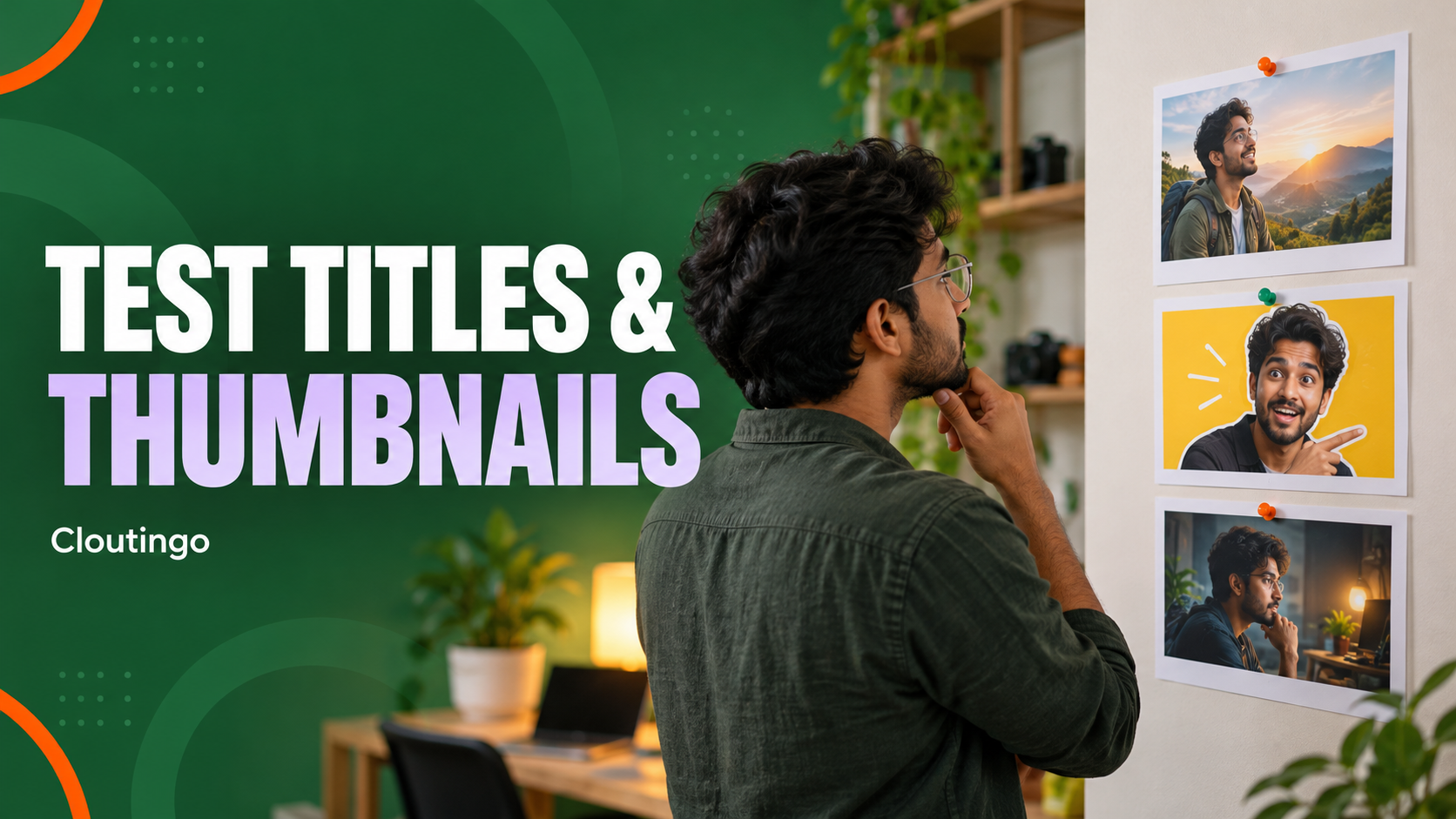
How Indian YouTubers Can A/B Test Titles and Thumbnails
YouTube’s native A/B testing tool lets an eligible creator compare up to three title-and-thumbnail combinations on a video. YouTube shows the variants to viewers and selects a winner by watch time, not click-through rate alone. Indian creators can use the same desktop workflow available in YouTube Studio, provided the channel has access to advanced features and the video is eligible.
The tool works best when you start with one clear question, create meaningfully different but truthful options and leave the test unchanged while it runs.
Check that the video is eligible
YouTube currently says testing is available on desktop in YouTube Studio for channels with advanced features. It is not available for Shorts. Scheduled live streams and active Premieres are also excluded, although a Premiere can become eligible after it finishes and converts to a long-form video. Content marked made for kids, private videos and mature-audience content may not be eligible.
Use an older long-form video for a first experiment. YouTube itself recommends older videos because testing an important new release can affect early impressions while the variants are being compared.
Start with a single test question
A useful experiment asks one question that the result can help answer. For example:
- Does a close view of the finished dish work better than a wide kitchen scene?
- Does a specific title about “three Delhi street-food stops” work better than a general “food tour” title?
- Does showing the tutorial outcome communicate the value more clearly than showing the setup?
Do not change every idea at once if you want a precise lesson. If the subject, promise, colour, title structure and audience all change together, you may find a winner without knowing which difference mattered. That can still help the current video, but it teaches less for the next one.
Design a test that can teach you something
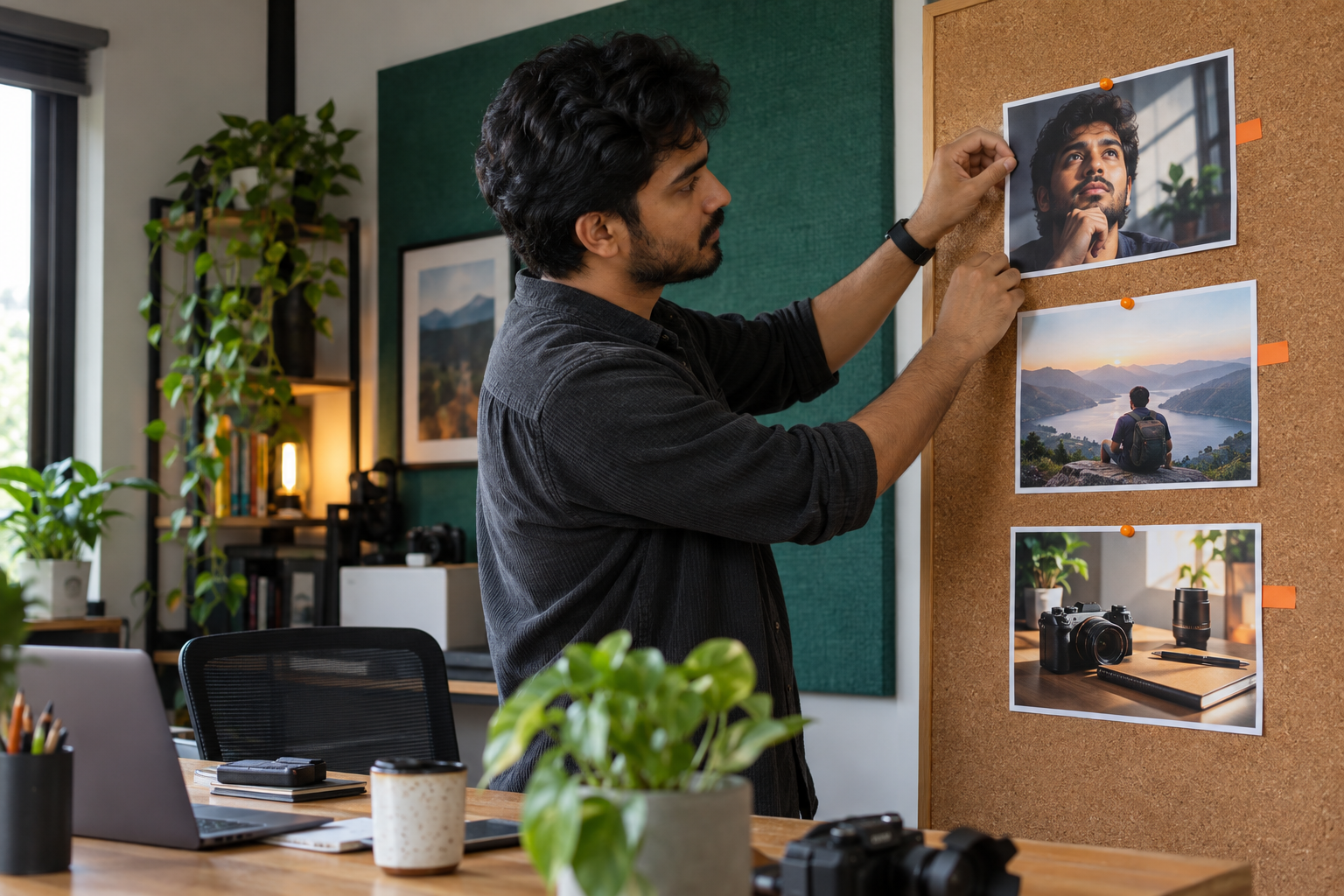
Create two or three variants that are genuinely distinct. Tiny changes in font size or background shade may produce similar performance and an inconclusive result. A stronger set might compare:
- a close facial reaction with a short outcome-led title;
- a clear object or finished result with a practical how-to title; and
- a wider scene that establishes location with a specific story title.
Every version must represent the video honestly. A misleading promise may attract a click and still lose watch time when viewers realise the video does not deliver what they expected. Use high-resolution thumbnails and check how each version reads at small size.
Set up the experiment in YouTube Studio
- On a computer, sign in to YouTube Studio.
- Open Content and select the eligible video.
- Under the title or thumbnail area, choose A/B Testing.
- Select whether to test the title, the thumbnail or both.
- Add up to three options and start the test.
YouTube says changing the title or thumbnail while a test is running stops the experiment. Avoid unrelated edits to those fields and give the system time to gather evidence. A test may finish in a few days or take up to two weeks.
Read watch time, not clicks in isolation
YouTube chooses the winning option by the share of watch time generated by each variant. This means the system considers whether a title-and-thumbnail combination attracts viewers who continue watching, not only whether it receives a click.
You can review the running test from the video’s Analytics area under Reach. YouTube reports one of three broad outcomes:
- Winner: one option has the highest watch-time result with enough confidence.
- Performed Same: the options produced similar watch-time results.
- Inconclusive: the test did not collect enough evidence to identify a clear difference.
An inconclusive result is not proof that every design is equally effective forever. The video may have had too few impressions, the variants may have been too similar or viewer behaviour may have varied too much. Do not manufacture certainty that the result does not provide.
Act on each type of result
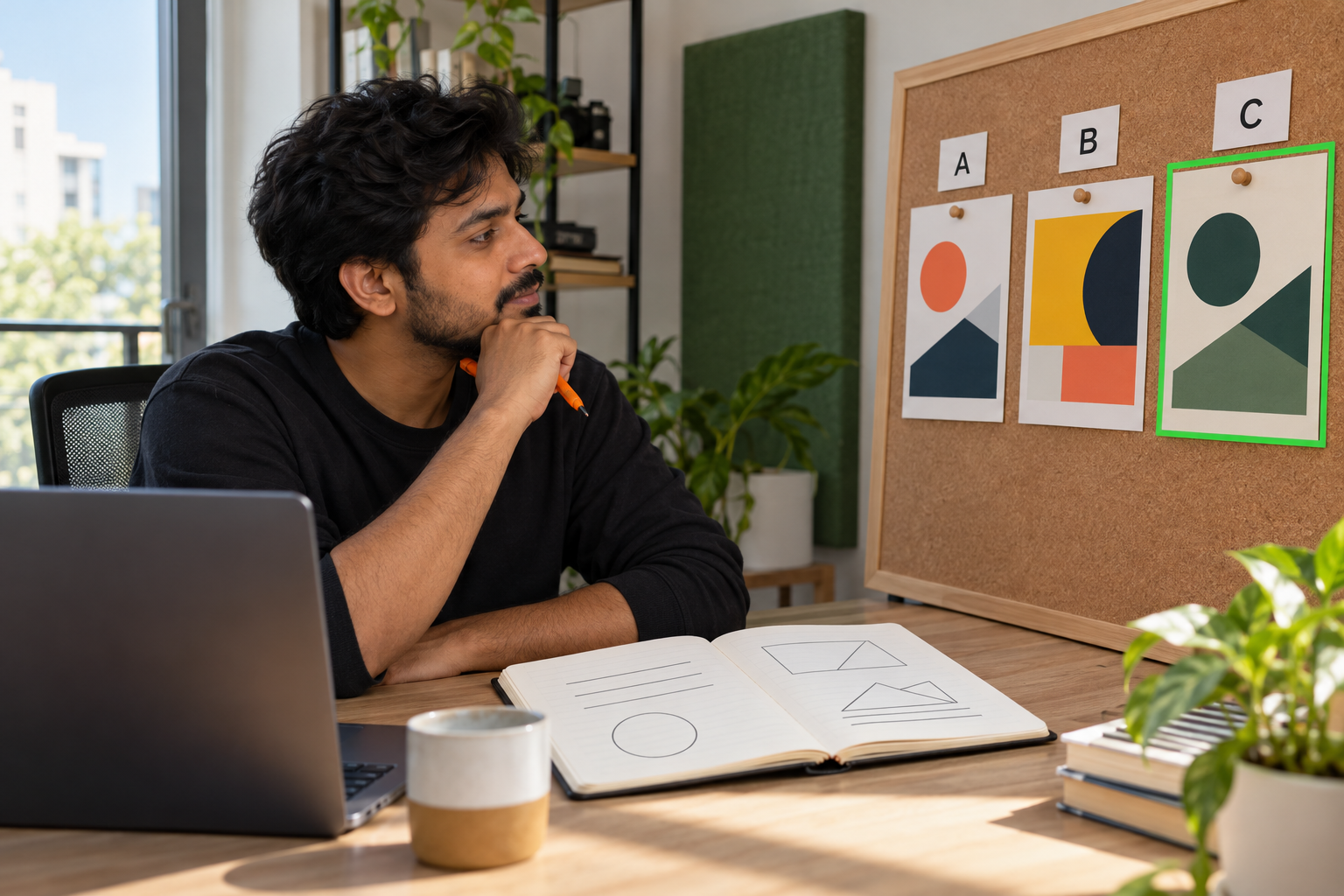
When YouTube names a winner, that option is applied automatically. Record what made it different and decide whether the lesson is relevant to similar videos. Do not turn one result into a universal rule for the whole channel.
If the variants performed the same, choose the version that communicates the video most accurately and fits the channel’s visual system. If the result is inconclusive, keep the clearest option and wait for a future video with more traffic or more distinct variants before repeating the question.
YouTube says that when no winner is identified, the first uploaded title or thumbnail remains in place, although you can change it manually after the test.
Build a simple experiment record
For each test, save the video URL, the question, screenshots of the variants, the start and finish dates, the reported outcome and one sentence about what you will try next. This prevents a team from repeating the same unclear experiment and separates evidence from opinion.
A/B testing improves packaging decisions; it does not guarantee views, ranking, subscribers or revenue. If you later consider paid promotion, treat it as a separate decision after the winning title and thumbnail are stable. Review Cloutingo’s current YouTube-related services and terms, and never describe purchased activity as organic viewer preference. When a relevant listing matches the campaign, you can open a Cloutingo account and order through the self-service panel.