
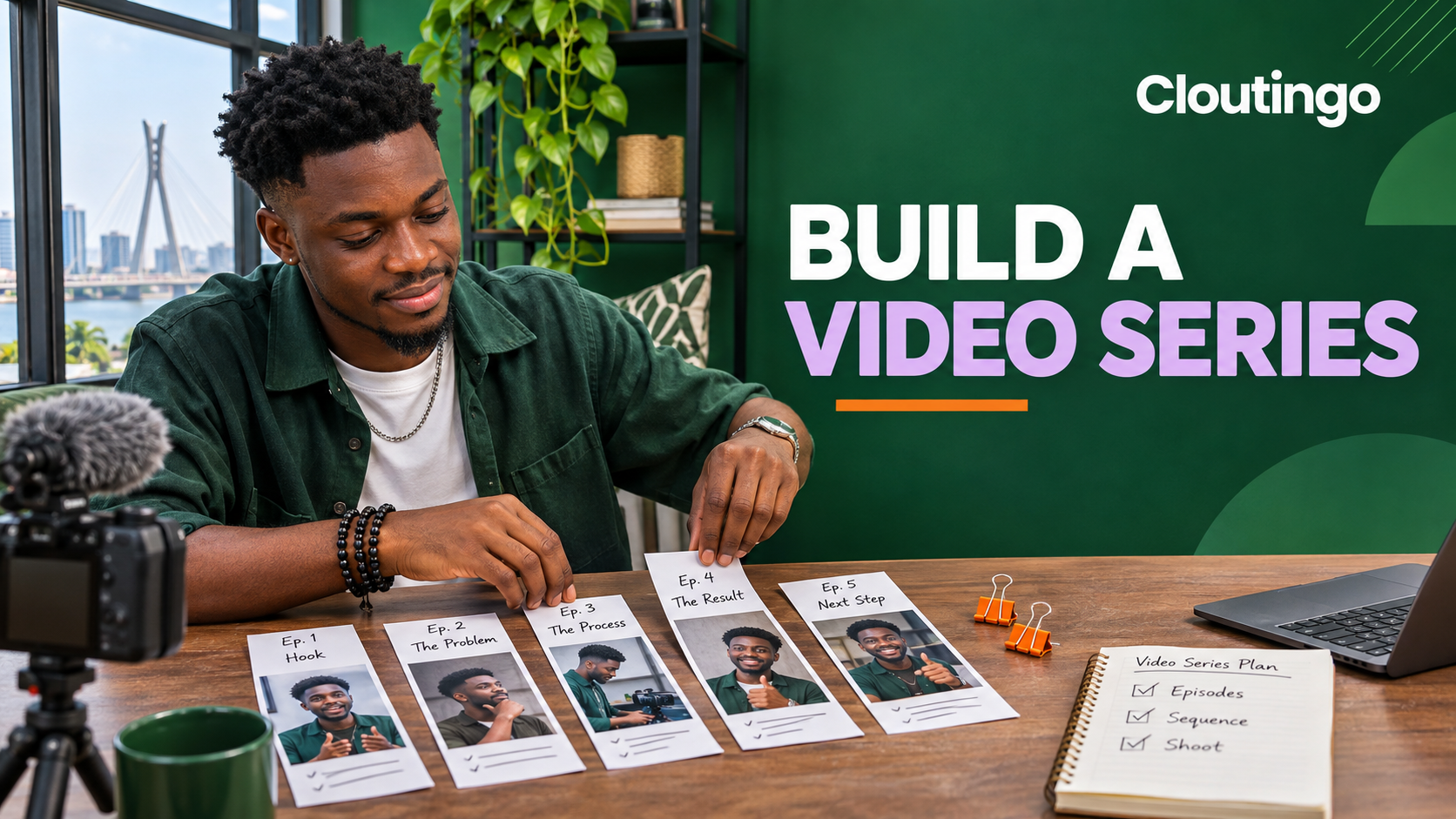
How Nigerian Creators Can Organise TikTok Videos Into Playlists
TikTok Creator Playlists let eligible creators group related public posts and control the order in which viewers watch them. Nigerian creators should use a playlist for one clear series, arrange the first post as an entry point and review the sequence whenever a video is added or removed.
The feature is not available to every account. If the playlist control does not appear in the posts tab on your profile or in TikTok Studio, your account may not have access yet. Do not promise a playlist launch until you can see the current controls.
Check access and public visibility
TikTok's current Creator Playlist guidance says playlists categorise public content and let viewers watch related posts in sequence. A playlist becomes visible to other people only when it contains at least one public post.
If you switch to a private account, you can still manage the playlists, but TikTok says they will no longer be visible to other people. That makes a playlist unsuitable as a public campaign destination while the account is private.
Give one playlist one promise
A playlist should answer a narrow viewer need. “Cooking” is a category. “Six steps to make party jollof rice” is a viewing promise. A clear promise helps you decide which posts belong and which would distract from the sequence.
Useful playlist shapes include:
- a beginner course with lessons in order;
- a recipe from ingredients to serving;
- a product build from sketch to finished item;
- a multi-part story with a defined beginning and ending;
- a frequently asked question broken into focused answers.
Avoid putting every post about one broad subject into a single playlist. A viewer who opens a series expects the next post to continue the same job.
Design the sequence before naming the playlist
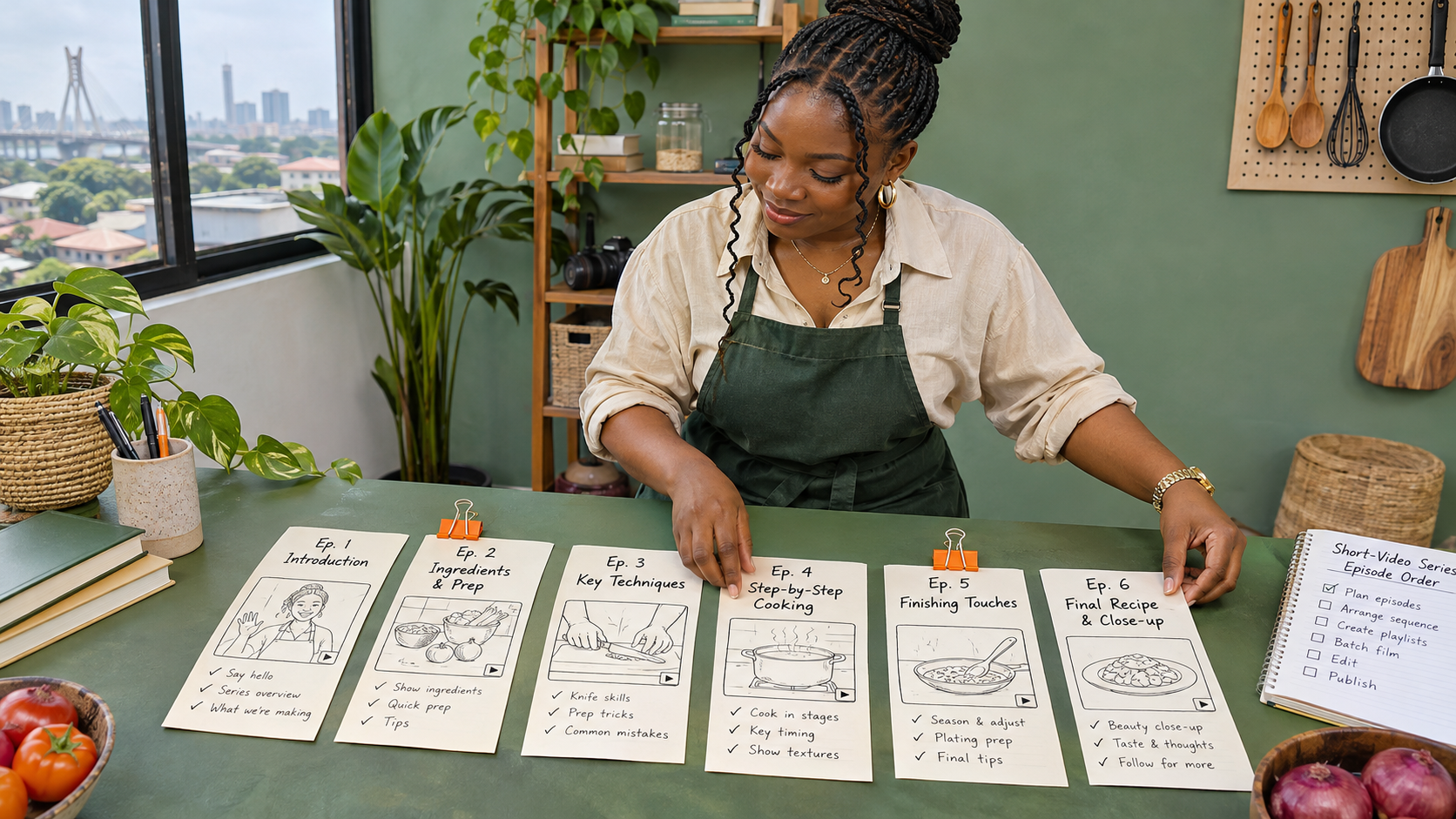
Write each planned episode on a separate card. Then arrange the cards from the first question to the final result. For a Nigerian food creator, a practical six-part sequence might be introduction, ingredients, preparation, cooking method, finishing and serving.
Check whether any episode depends on knowledge that appears later. If part four explains a technique needed in part two, move the explanation or rewrite the earlier post. The order should make sense to a person who has never seen the account before.
Create the first playlist in TikTok Studio
If your account has access, TikTok's current steps begin in the app:
- Open Profile and tap the menu button.
- Select TikTok Studio.
- Under More tools, choose Playlist.
- Select Create playlist and complete the setup.
After the first playlist exists, you may also see Manage playlists in the posts tab on your profile. Labels can change, so use TikTok's current on-screen wording and official guidance as the final reference.
Add existing posts carefully
Open one of your public videos, tap More options and choose Add to playlist. Select the intended playlist. TikTok also allows you to remove a post from its current playlist through the same area.
A post can belong to only one playlist at a time. If one video could fit two series, choose the series where it performs a necessary job. Duplicating the idea in a new video may be clearer than moving an important episode away from its original sequence.
Add a new post before publishing
Once at least one playlist has been created, the posting screen may offer Add to playlist under more options. You can choose an existing playlist or create a new one, then publish the post.
Do not add a video merely because the subject is similar. Confirm that its opening, references and ending make sense in the selected series. A clip that begins with “as I explained yesterday” can confuse a viewer who reaches it through the playlist weeks later.
Set the actual watch order
TikTok says the most recently added post plays first unless you change the order. That default may put the final episode ahead of the introduction.
Open the playlist manager, select the playlist and press and hold a post to drag it into place. Start with the post that explains the promise or first action. End with the result, summary or logical next step. Watch the sequence yourself without using profile context to see whether every transition still works.
Name the playlist for the viewer
Use a name that describes the complete series in a few words. “Jollof Rice From Start to Finish” is clearer than “Food Videos 2”. Do not stuff several keywords into the name or claim a result the videos cannot deliver.
Keep episode titles or opening text consistent enough to show progress. Part numbers help when the order matters, but they should support a meaningful title rather than replace it.
Maintain the playlist as the series changes
Open Manage playlists from the posts tab or TikTok Studio. TikTok currently lets eligible creators add posts, remove posts, rename the playlist and drag posts into a new order.
Review the playlist after each addition and at the end of the series. Look for:
- an introduction that no longer matches the finished series;
- a removed post that leaves an unexplained jump;
- an update that should replace an outdated instruction;
- two episodes that repeat the same point;
- a final post that no longer gives the right next step.

Delete a playlist without deleting the posts
When a series is no longer useful, open it, tap the more-options control and choose Delete playlist. TikTok says deleting the playlist does not delete the posts inside it.
This is useful when the videos should remain public but the sequence is outdated. Check every post afterwards because captions or spoken references to “the playlist” may now need correction.
Use a fallback when playlists are unavailable
If your account does not have Creator Playlists, keep the series understandable through consistent episode names, clear part numbers and a spoken next step at the end of each post. Place the series name early in the caption and publish a short introduction that explains the order.
Do not claim that a workaround creates the same continuous playlist experience. It simply helps viewers recognise related posts while the native feature is unavailable.
Promote the correct public post
A playlist cannot repair weak episode openings or unclear sequencing, and purchased views do not guarantee that people will complete the series. Choose the public post that best introduces the series before considering promotion.
Cloutingo's current catalogue includes TikTok view services, but individual listings differ in accepted links, audience, delivery and conditions. Compare the live options on the Cloutingo services page and read the current terms. If a suitable service accepts the intended public destination, use the verified Cloutingo sign-up page. Confirm the series order first, then decide whether promotion fits the goal.