

How Nigerian Businesses Should Respond to Social Media Impersonation Accounts
If someone creates a social media account that pretends to be your business, act in this order: preserve evidence, secure your real accounts, report the impersonator through the platform's official route, warn customers through channels you control and record every affected enquiry. Do not negotiate with the fake account or launch a public argument that sends more people to it.
An impersonation account is different from an account that criticises your business or has a similar name by coincidence. The key issue is whether it is presenting itself as your business or using your identity to mislead people. Your response should be factual and proportionate.
Preserve evidence before the account changes
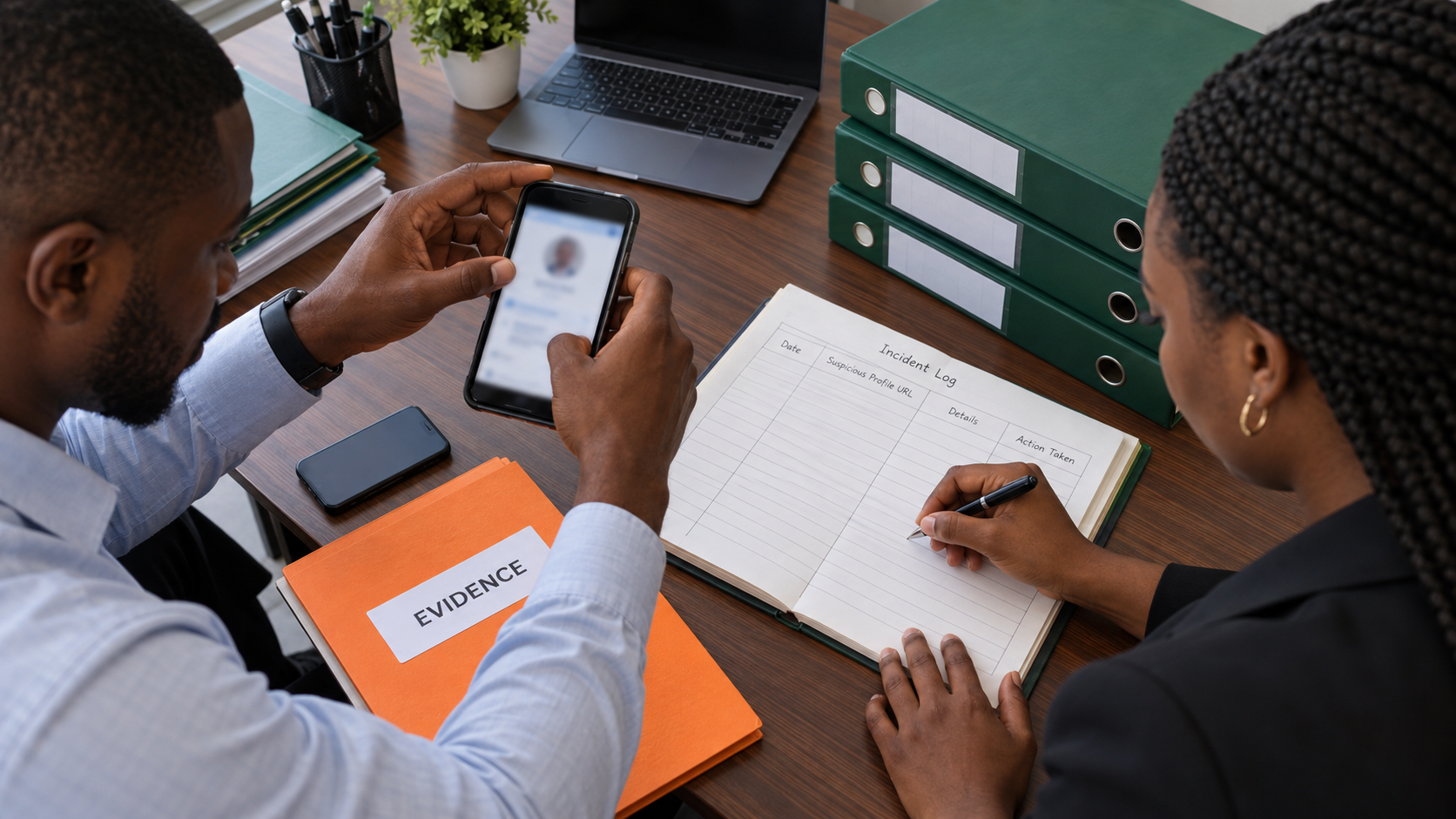
Fake profiles can change usernames, profile pictures and bios quickly. Before reporting, create a clean incident record. Save the full profile address, exact username, display name and the date and time you observed it. Capture the profile, bio and any post or message that shows the false representation.
If a customer received a payment request, ask for a copy that hides unrelated personal conversation. Record the payment details the impersonator supplied, but do not republish sensitive account numbers in a public warning. Keep the original files in a restricted business folder and note who collected them.
Do not edit screenshots to make them more dramatic. A short caption in your incident log can explain what each image shows. Preserve the unedited original as well as any redacted copy you plan to share.
Confirm that your real account is still secure
Impersonation does not always mean your real account was hacked, but check rather than assume. Review recent login activity, connected email addresses, phone numbers, recovery options and authorised devices. Change the password if you see anything unfamiliar, and make the new password unique to that account.
Check who can publish or manage the business profile. Remove access that no longer belongs to a current team member. If the account itself has been taken over, use the platform's official account-recovery process instead of treating the problem only as impersonation.
Tell staff not to follow “recovery agents” who appear in replies or direct messages. Use the platform's own help centre and app settings. A person who asks for a password, one-time code or remote access to your device should not be trusted because they claim they can remove the fake page.
Report through the correct platform path
Use the report option on the profile and choose the reason that most closely matches impersonation or pretending to be someone. TikTok's current help guidance says you can open the profile, select the report option, choose “Report account,” then select “Pretending to Be Someone.” TikTok also provides separate forms for accounts inside and outside the United States.
Instagram's Community Guidelines say users should not impersonate others or create accounts to mislead people. The same guidance recommends providing enough information for a report to be found and reviewed, including links, usernames and a description. Menus and form requirements can change, so start from the current in-app reporting route or official Help Centre rather than an old third-party tutorial.
Submit a complete report once, then record the report reference or confirmation screen if one appears. Ask affected customers to report what they personally received, but do not organise false reports or encourage harassment. A platform may review evidence before deciding whether the account violates its rules, so avoid promising a removal time.
Warn customers without amplifying the fake profile
Publish one clear notice through channels customers already recognise, such as your real profile, website, physical shop or verified mailing list. State the official username, the behaviour you do not use and the action customers should take. For example:
We have found an account pretending to be our shop. Our only Instagram username is [official username]. We do not ask customers to move payment to a new account through an unsolicited direct message. If you receive such a message, do not pay or reply. Please send us the profile address through [official contact route].
Do not repeatedly tag the impersonator in every update. That can make the fake account easier to find and may confuse people who see the warning without context. Keep the notice current, pin it only while useful and remove or revise it when the situation changes.

Handle affected customers with care
If someone says they paid the impersonator, do not blame them or promise that the money will be recovered. Ask them to contact their bank or payment provider immediately using an official channel and to preserve the transaction record. Depending on the harm, they may also choose to report the matter to the appropriate local authority.
Your team should separate confirmed cases from rumours. Record the customer's contact route, what they received, whether money or personal information was shared and what support information you provided. Limit access to that record because it may contain sensitive information.
A public response should not reveal the victim's name, phone number or transaction details. If you need to share an example of the scam, redact personal data and obtain permission from the person who supplied it.
Make your authentic presence easier to confirm
List your official profiles on your website and at your physical location if you have one. Use consistent spelling, contact details and visual identity. Where appropriate, link from one established profile to another. A verification badge may help on some platforms, but it is not a substitute for clear contact information and careful account security.
Create an internal rule for changes to payment details. For example, require two staff members to approve a change and announce it through more than one established channel. The aim is to make an unexpected direct message easy for a customer to question.
Keep promotion separate from incident response
An impersonation problem is a security and trust issue. Buying more followers, likes or views will not remove a fake account or prove ownership. Resolve the incident through official platform reporting and customer communication first.
Cloutingo's service catalogue is for social media promotion options, not identity recovery. If you later return to a planned campaign, read the service-specific details and Cloutingo's current terms before ordering. You can also use the Cloutingo blog for practical social media guidance.
Close the incident deliberately
When the fake account is removed or no longer active, record the outcome, update the customer notice and keep the evidence according to your business's retention needs. Review how customers recognised the impersonator and fix any weak point in your official contact information. A calm, documented response helps your team act consistently if another suspicious account appears.