
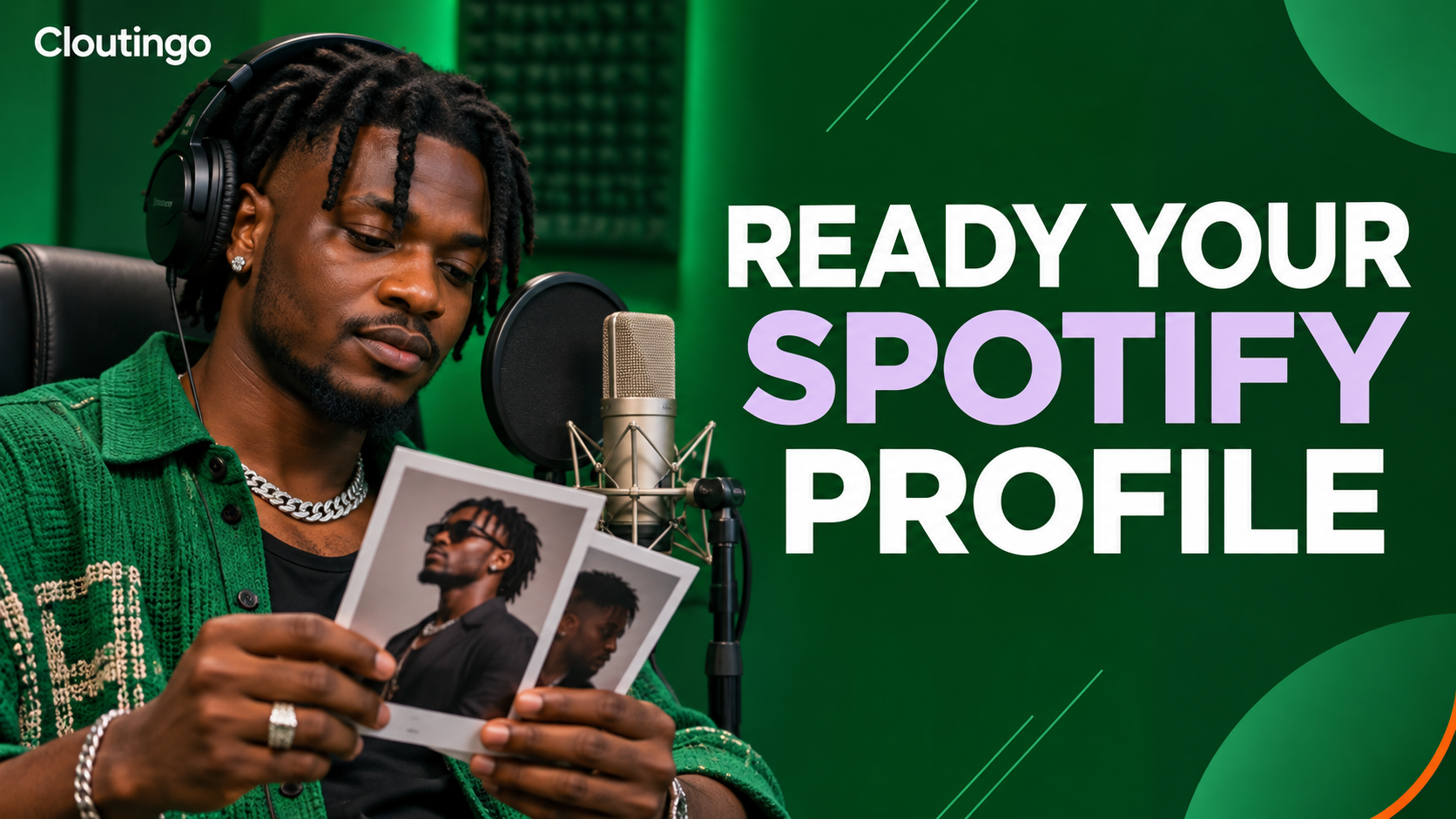
How Nigerian Musicians Can Prepare a Spotify Artist Profile Before Promotion
Prepare your Spotify artist profile before you send new listeners to it. Claim access through Spotify for Artists, choose images that remain clear at different sizes, write a specific bio, add current social links and feature the most relevant release with Artist Pick. This work will not guarantee streams, but it gives an interested listener a coherent place to understand who you are and what to hear next.
Your profile is the home for your music on Spotify. A release campaign may create a brief moment of attention, while the profile must still make sense after the campaign post has disappeared.
Secure the right access before the campaign starts
Spotify says Spotify for Artists can be used to add artist images, write a bio, add an Artist Pick and manage social links, among other profile features. If you do not yet control the profile, start with Spotify's official access guidance. Resolve an incorrect artist mapping, team invitation or login problem before release week, when delays are more costly.
Give access only to people who need it and select a suitable role for each person. Keep the artist or a trusted manager as the owner of the profile process. A photographer may supply files without needing account access, while a release manager may need permission to update the profile.
Build an image set, not one isolated portrait
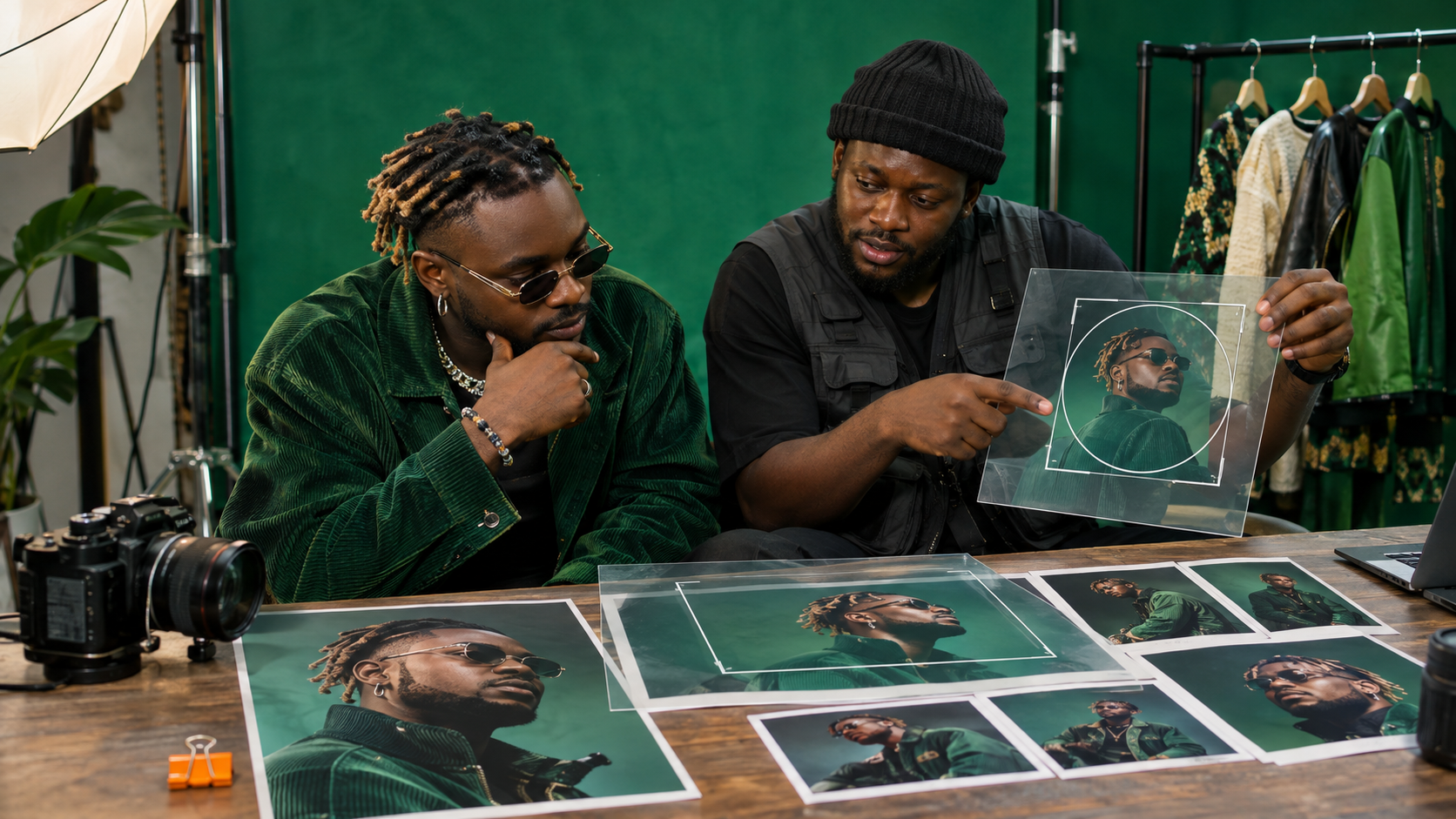
Artist images serve different placements. Prepare a recognisable avatar, a wider header composition and a small group of gallery images that share the same visual world. Spotify's artist image guidance explains the image roles and upload controls, while its image rules cover content and rights.
Choose an avatar with a clear face or distinctive artist mark and enough contrast to survive a small circular crop. Avoid placing important details at the extreme edges. For the header, leave breathing room around the subject because crops can change between screens. Gallery photographs can show performance, studio work or a consistent fashion direction, but each image should still look intentional beside the release artwork.
Use photographs you own or have permission to use. Keep the original high-resolution files and a note of the photographer's credit terms. Do not copy an image from a blog or social feed simply because it appears online.
Write a bio that gives a listener useful context
A strong bio answers a few concrete questions: What name do you release under? Where are you connected to? What kind of music do you make? Which project should a new listener start with? What credible collaborators, performances or milestones help explain the work?
Spotify allows an artist bio of up to 1,500 characters and supports links to Spotify content with the @ symbol, according to its bio instructions. Use that space for substance, not a long list of adjectives.
For example, a hypothetical Port Harcourt Afrobeats artist could open with the city, the blend of live percussion and melodic pop that shapes the sound, and the title of the current single. A second paragraph could name a verified collaborator or performance and explain the theme of the new release. The final line can point to a relevant track or artist on Spotify. Every claim should be accurate and easy to defend.
Avoid unverifiable labels such as “Nigeria's number one” or “the next global superstar”. Avoid stuffing the bio with search phrases. Listeners need a memorable introduction, not a press release that makes promises the music must carry.
Add only social links you can maintain
Spotify currently supports artist-profile links for Instagram, Facebook, X, TikTok, Wikipedia and WhatsApp Channels. Its social-link instructions also note that personal WhatsApp accounts and WhatsApp Business accounts are not supported in this field.
Use the official artist account on each platform. Open every link while signed out to make sure it is public and reaches the intended profile. Remove an abandoned account rather than sending a listener to an empty page. If your handles differ across platforms, check spelling carefully and keep a simple inventory that records the live URL and the person responsible for it.
Use Artist Pick for the current priority
Artist Pick sits at the top of the profile and can showcase a song, album, music video, playlist, concert, merchandise item or supported podcast content. Spotify says a Pick remains live for 180 days unless it is changed sooner, with some item-specific exceptions. That makes it useful for a current release, but it is not a permanent set-and-forget feature.
Choose one priority. If the new single is the reason for the campaign, feature that track or its release rather than an unrelated old playlist. Add a short message that tells the listener why it matters. Spotify's Artist Pick guide says a custom Pick image should be at least 690 by 500 pixels and may be a JPEG, GIF or PNG.

Run a listener-view audit
After saving the changes, open the public profile in the Spotify app and on the web. Do not review only inside Spotify for Artists. Check the avatar crop, header crop, first lines of the bio, social destinations and Artist Pick from the listener's view.
Ask someone who did not prepare the profile to answer three questions after a short visit: Who is this artist? Which release appears current? Where can I learn more? If those answers are unclear, edit the profile before directing more attention to it.
Repeat the audit after a new release, a name or branding change, or the end of a major campaign. Replace expired information and remove links that no longer represent the artist. Keep a dated folder containing the approved bio and image masters so the next update begins with reliable material.
Connect promotion to a profile that is ready
Cloutingo offers self-service social media marketing options in naira, with individual services varying in platform, audience, delivery and terms. Spotify profile preparation is an editorial task, while promotion is distribution support. One does not replace the other.
When your artist identity and release materials are ready, you can review the currently available options on Cloutingo's services page, check the terms and open an account if a listed service matches your campaign. Never treat purchased activity as proof of fandom, organic discovery or guaranteed career growth.
A prepared profile gives each genuine listener a better introduction. Keep it accurate, current and recognisably yours, then choose promotion only as a measured addition to the release plan.