
How Ghanaian Musicians Can Plan a YouTube Premiere
 A useful YouTube Premiere plan gives one finished music video a public watch page, a confirmed start time and a small team that can welcome viewers in live chat. Schedule only after the master, thumbnail and metadata are ready. Share the watch page rather than a temporary file, assign someone to host the conversation, and plan what happens after the countdown ends. A Premiere creates a shared viewing moment; it does not guarantee views or a successful release.
Decide whether a Premiere suits this video
A Premiere is best when you can gather people at one time and the artist or team can be present. YouTube describes Premieres as a way for creators and viewers to watch a new video together in real time, with a shareable watch page, reminders, comments and chat. A standard scheduled upload may be simpler if nobody can host the event or if the audience is unlikely to attend at a fixed time.
Choose one lead video. A music video, live session or visualiser can work, but the event needs a clear reason to attend now. Do not call every upload a premiere. Save the format for a release that can support advance communication and an artist appearance in chat.
Finish the release materials before scheduling
Lock the final video master before you announce a time. Review the audio, opening frame, end screen, credits, spelling and rights information. Prepare the thumbnail, title and description at the same time. If the date changes repeatedly because the file is unfinished, every poster, caption and partner message becomes unreliable.
YouTube’s current Premiere help page says Shorts are not supported for Premieres. It also lists format limits for certain high-resolution and immersive videos. Check the current help page against your export before building a public campaign around the feature.
Build backwards from the premiere time
Select a date when the artist and chat host can attend. Write the time exactly as the Ghana audience will see it, then give overseas partners the equivalent time for their location. Avoid an unexplained “8 pm” on artwork sent to several countries. A clear line such as “8 pm in Accra” reduces mistakes without turning the announcement into a long list of clocks.
Work backwards with four internal checkpoints: final master approved, Premiere scheduled, watch page shared with partners, and live team ready. Give each checkpoint an owner. The video editor should not assume the manager has scheduled the upload, and the manager should not assume the publicist has copied the correct watch page.
Schedule the Premiere in YouTube Studio
Upload the video in YouTube Studio, complete the video details and choose the Premiere option when setting visibility. YouTube allows an immediate Premiere or a scheduled one. For a planned music release, scheduling creates time to share the public watch page and invite viewers to set a reminder.
Check the scheduled page from another device before announcing it. Confirm the artist name, song title, thumbnail and start time. Play any available preview elements. If the page contains a spelling error, correct it before partners copy the mistake into their posts.
Use the public watch page as the campaign destination
YouTube creates a public watch page before the Premiere begins. According to its help guidance, viewers can set reminders, comment and use chat when those features are available. Share that page in the artist’s bio, press messages, fan community and collaborator posts. One destination is easier to maintain than sending people to a private teaser today and asking them to find the video again tomorrow.
Give supporters one clear instruction: open the watch page and choose the reminder if they want a notification. Do not claim that clicking the reminder guarantees attendance. It is simply a useful action for someone who already wants to watch.
Give the live chat a host
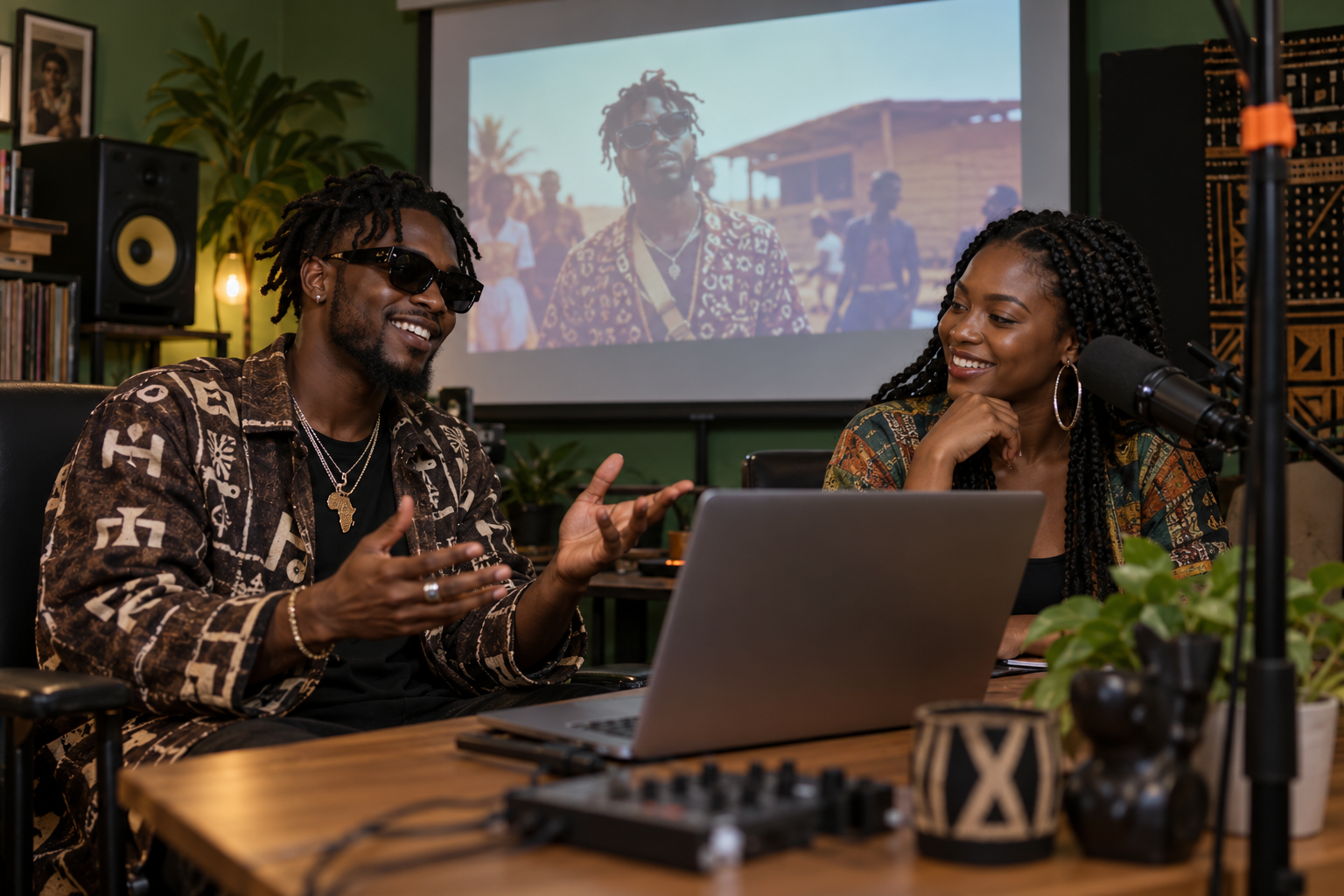
The artist can greet fans, but a separate host should watch the flow. The host can welcome early arrivals, repeat the release context, flag genuine questions and deal with disruptive messages using YouTube’s moderation controls. Agree in advance which questions the artist will answer and which topics the team will not discuss.
Prepare a short opening message, two conversation prompts and a closing message. Keep them natural. For example, ask viewers which scene they noticed first, or thank the director and featured performers when their work appears. Avoid flooding the chat with repeated sales lines. The conversation should support the viewing experience.
Run the event from a simple control sheet
About 30 minutes before the start, confirm that the artist, host and release lead can access the channel and watch page. Test audio for any separate livestream or interview, but remember that the Premiere itself plays the uploaded video. Keep contact details for the team in one private channel so problems are not discussed in public chat.
During the countdown, welcome people and state what will happen. When playback begins, viewers can watch together; YouTube notes that viewers can rewind during a Premiere but cannot jump ahead of the live point. The host should avoid posting spoilers and let important scenes breathe.
Continue after the Premiere ends
When the Premiere finishes, the video remains on the channel as a regular upload. YouTube says the Premiere view count transfers to the video and chat replay may remain available. Update the artist’s main bio link if necessary, thank collaborators and share the permanent video with people who could not attend.
Review YouTube Analytics after enough time has passed to make the numbers meaningful. Separate questions about the event from questions about the song. Did viewers arrive before the start? Did the team keep the chat useful? Did the public page carry the correct information? These observations can improve the next event without pretending one Premiere proves a formula.
Add promotion only when it fits the finished release
After the watch page is confirmed, you may compare relevant options in Cloutingo’s live service catalogue. Select only a current listing that matches the video and metric you intend to support, and read the terms first. Purchased views or likes are separate from the artist’s organic audience work and do not guarantee chart movement, recommendations, sales or fan loyalty.
A strong Premiere is operationally simple: one finished video, one reliable time, one public watch page and one prepared team. If that plan suits the release, you can create a Cloutingo account after checking the current catalogue. Keep the main goal practical: make it easy for interested listeners to find the right page and enjoy the release together.