
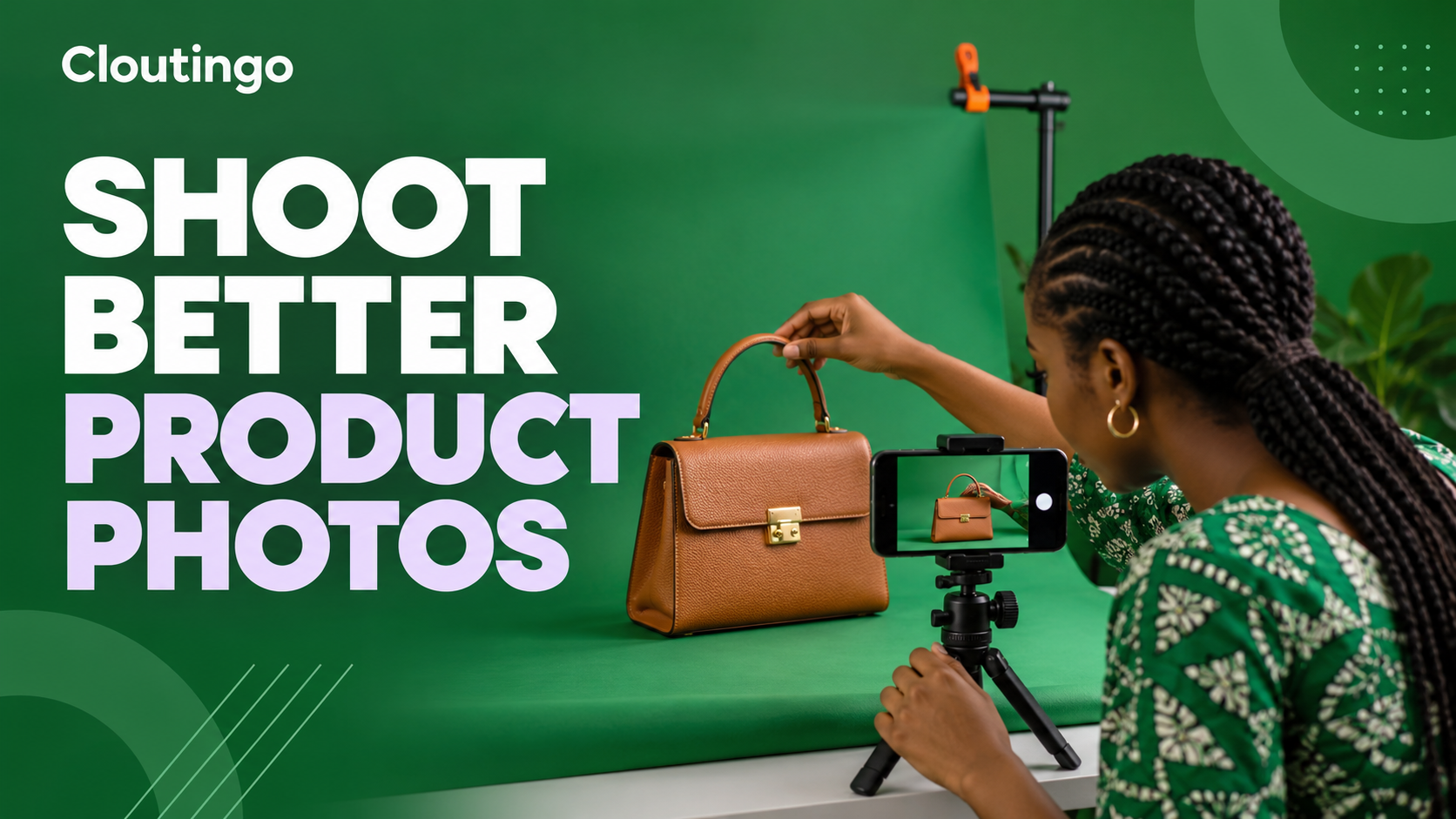
How Nigerian Online Sellers Can Take Better Product Photos With a Phone
You can take useful product photos with a phone by controlling four things: light, background, stability and consistency. Place the product near a bright window, soften or reflect harsh light, use a clean background and keep the phone fixed while you make a repeatable shot list. The aim is not to make the product look unreal. It is to show colour, shape, texture, scale and condition clearly enough for a buyer to make an informed decision.
This approach suits Nigerian online sellers who photograph clothes, shoes, bags, accessories, food packs or handmade items in a small space. You do not need a professional studio to begin. A window, a table, plain card, a stable phone support and careful preparation can produce a consistent catalogue.
Prepare the product before the camera
Dust, loose threads, fingerprints and crushed packaging become obvious in a close photo. Clean the product using a method that will not damage it. Steam clothing where appropriate, lace both shoes evenly and shape a bag so its structure is visible. Check labels, zips and accessories before the shoot.
Photograph the exact condition a buyer will receive. If an item has a mark, repaired area or variation, include a clear image and explanation. Do not hide defects with a crop or filter. Accurate photography reduces avoidable disputes and makes it easier for the customer to compare options.
Build a simple window-light setup
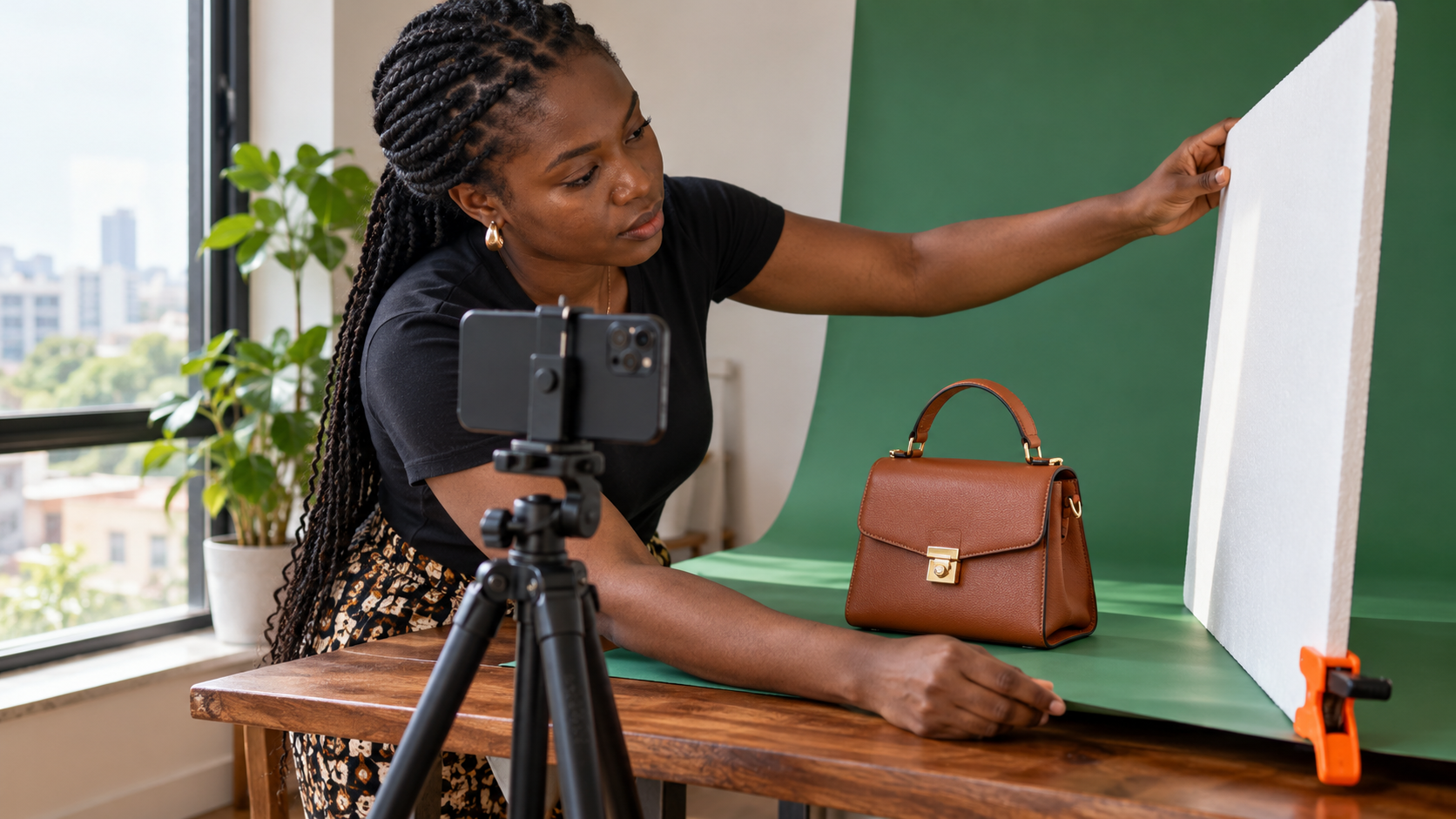
Choose a window that provides steady daylight without a hard beam cutting across the product. Place the table beside the window, not directly against it. Turn off nearby bulbs if they add a different colour. Mixed light can make a white shirt look yellow on one side and blue on the other.
If one side is too dark, place a large sheet of white foam board or card opposite the window. It will reflect some light back onto the product. Move the reflector closer for a brighter shadow and farther away for more shape. If direct sunlight produces sharp highlights, hang a thin white curtain where it is safe to do so.
Secure the background so it does not slide. A sheet of card can curve from the wall onto the table to create a seamless surface for small items. Use a colour that separates the product from the background. A dark bag may disappear against black, while a white shoe can lose its edges on pure white.
Keep the phone stable and the lens clean
Wipe the lens with a clean soft cloth before every session. A greasy lens can make a sharp scene look hazy. Mount the phone on a tripod or secure support. If you do not have one, rest it against a stable object and use the timer so that pressing the shutter does not move the camera.
Use the main rear camera when possible and avoid digital zoom. Move the phone closer while leaving enough space to prevent a wide-angle shape from looking stretched. Tap the product to set focus, then adjust exposure carefully if bright areas lose detail. Keep the camera height and distance the same for products in one catalogue.
Create a shot list for every item
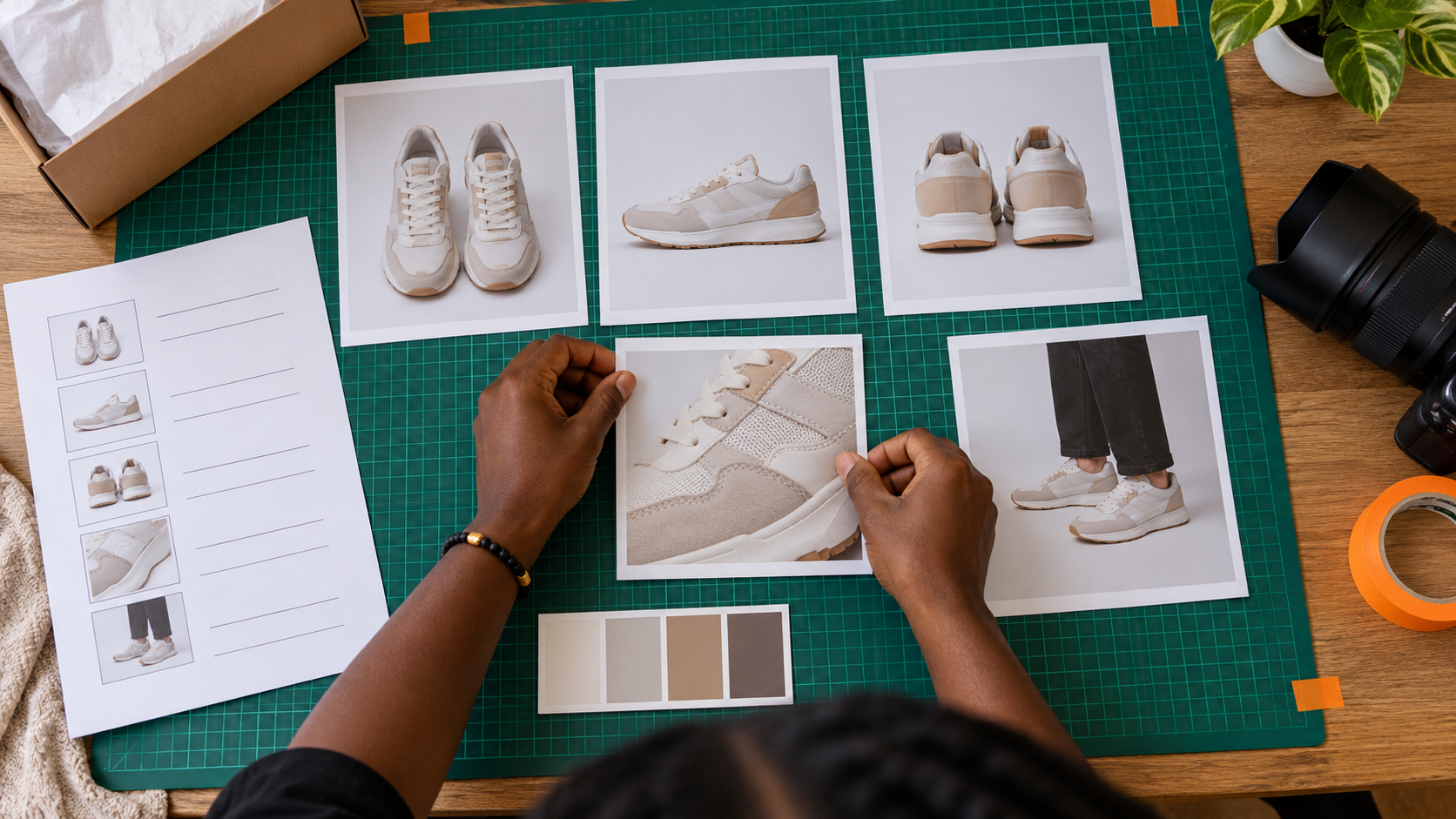
A shot list prevents you from publishing one attractive angle and forgetting the information a buyer needs. For a pair of shoes, capture:
- a straight front view;
- the outer and inner sides;
- the back and sole;
- a close detail of material and stitching;
- the size label where appropriate;
- a scale view; and
- any variation or flaw that affects the listing.
A food seller may need front packaging, ingredient information, seal, portion scale and serving suggestion instead. A clothing seller may add front, back, fabric close-up, fastenings and an on-body or mannequin view. Tailor the list to the decision the buyer is making.
Keep orientation consistent. If the main catalogue image is square, leave space around the product so later cropping does not remove a handle or shoe tip. Take one complete set before moving the lights or background. This saves time when several items must look as though they belong in the same shop.
Show scale without creating confusion
A close photo can make a small item seem larger than it is. Include dimensions in the product description and one honest scale reference. For a handbag, show it beside a neutral object with a familiar size or on a model with the relevant measurements disclosed. For jewellery, use a ruler or a clean measurement card rather than an object whose size varies.
Do not rely on scale photography alone. Perspective changes how objects appear, especially near the edge of a wide phone lens. Combine the image with written length, width, height or capacity. Use centimetres or another unit your customers understand and keep the measurement method consistent.
Protect colour accuracy
Colour is affected by light, screen settings and editing. Photograph colour variants in the same setup, then compare the phone image with the product under neutral light. If the phone has added too much warmth or saturation, make a restrained correction. Avoid filters that change the product’s material or shade.
For important colour decisions, add a note that screens can display colour differently. Do not label a shade only as “blue” if the difference between navy, royal blue and teal matters. Use a precise written name and include close detail where texture affects the appearance.
Edit for clarity, not transformation
Straighten the frame, crop unnecessary edges and make small exposure or colour corrections. Remove temporary dust only if you also cleaned the physical product before dispatch. Do not erase a permanent mark, reshape a garment, replace a label or use an artificial background that suggests a feature the product does not have.
Export at a useful size and check the final image on a phone. Look for clipped edges, fuzzy detail and text that cannot be read. Keep the original file, the edited file and the product name together so that your catalogue can be updated without another full shoot.
Select the final set like a buyer
Remove duplicates and lead with the clearest full-product view. Follow it with angles that answer distinct questions. A five-image set in which every photograph shows the same side is less useful than a concise set covering shape, material, size and condition.
Write informative alternative text when you publish on a website. The W3C advises that a text alternative should convey the image’s meaning or content in its context, rather than merely describe every visible detail. For example, “Brown structured handbag with top handle and gold clasp, front view” tells a product-page visitor more than “image of a bag”.
Prepare the catalogue before promoting it
Strong images cannot guarantee sales, but they can help a customer understand the offer. Check that each product page or social post also includes the correct name, price, variant, dimensions, availability and fulfilment information. Then choose promotion based on the platform and audience you actually serve.
Cloutingo provides self-service social media marketing options for platforms including Instagram, TikTok, YouTube and Facebook. Service audience, delivery and conditions differ. Review the current Cloutingo service catalogue and terms before ordering, and do not assume purchased engagement represents buyers. After the catalogue is ready, register with Cloutingo if a listed option fits the product campaign, then monitor that order from the account dashboard.