
How South African Tutorial Channels Can Organise YouTube Playlists
A useful YouTube playlist should help a viewer complete one clear learning journey. Group videos by the problem they solve, give the playlist a specific title, write a short description and arrange the videos in the order a learner should watch them. For a South African tutorial channel, that may mean separating beginner lessons, practical projects and advanced techniques instead of placing every upload in one long list.
A playlist is not merely storage. YouTube defines a playlist as a collection of videos and allows creators to manage, share and reorder that collection. Good editorial organisation can make an older video library easier to use, but it does not guarantee extra views or recommendations.
Start with the viewer’s task
Write one sentence that describes what the viewer should be able to do after completing the playlist. “Learn bookkeeping” is broad. “Set up a basic monthly cashbook for a small business” gives the collection a boundary. Every video should contribute to that outcome.
A tutorial channel may have several valid pathways:
- a beginner sequence that explains essential terms;
- a project sequence that produces one finished result;
- a troubleshooting collection for common mistakes;
- a tool-specific collection for viewers using one application; or
- a short reference collection for people who need one quick answer.
Do not mix these structures without a reason. A viewer following a step-by-step course can be confused when an unrelated update or promotional clip appears between two lessons.
Audit the existing video library
List the channel’s relevant videos with their title, publication date and main learning outcome. Ignore performance figures during the first pass. The question is whether the video still helps a viewer complete the task.
Mark material that has become inaccurate because a law, price, interface or process changed. An older lesson can remain public while being excluded from the main learning sequence. If it is materially misleading, add an appropriate correction or replace it according to your editorial policy.
Look for gaps between lessons. A playlist may jump from “open the software” to “export the final project” without showing the central workflow. That gap can guide the next tutorial you produce.
Name the playlist for a clear outcome
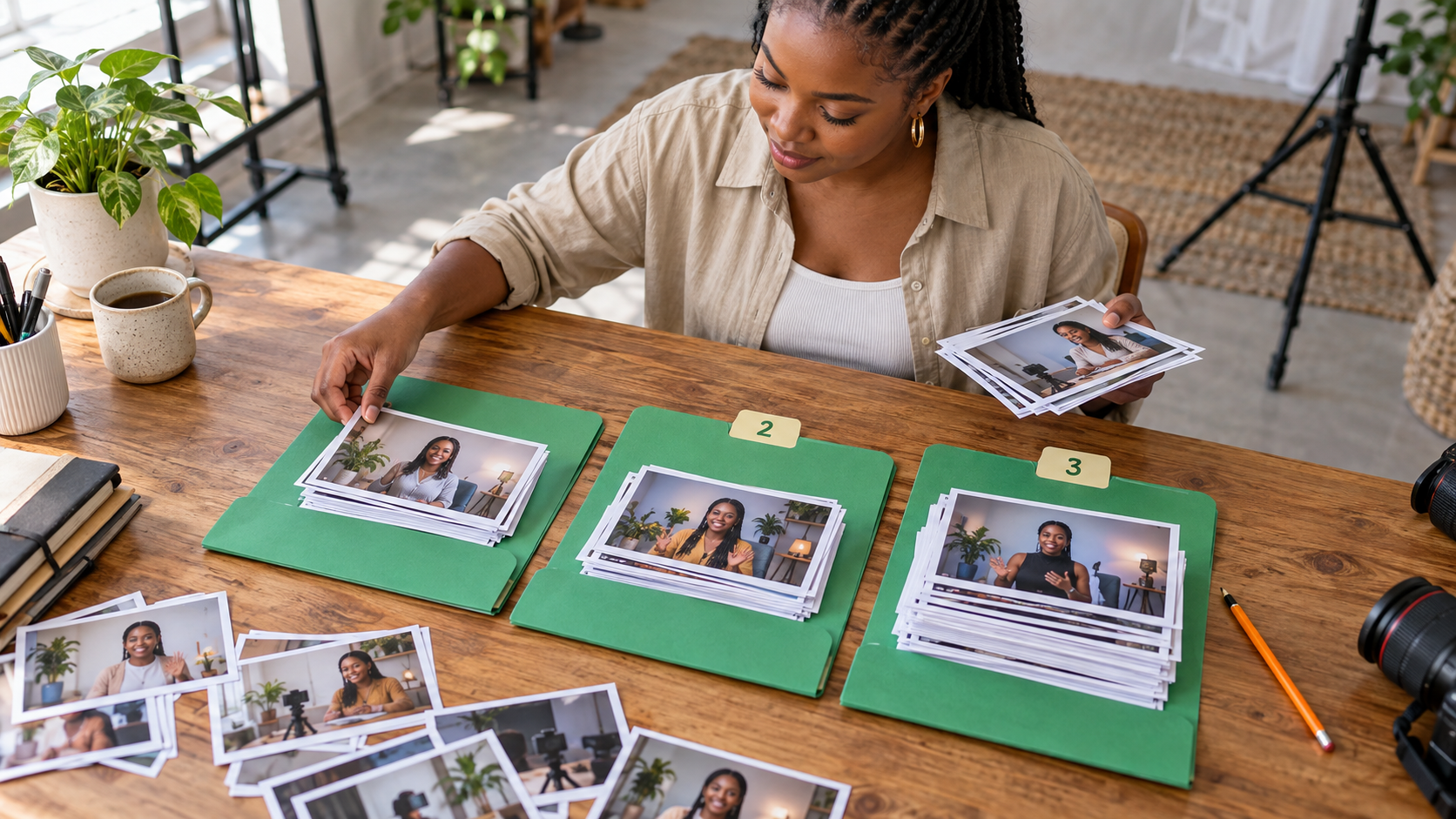
A title should tell the viewer what the collection teaches and who it is for. “My Tutorials” says little. “Canva Basics for Community Organisations” or “Beginner Excel Lessons for Shop Admin” sets a clearer expectation.
Use the description to explain the outcome, assumed knowledge and sequence. State whether viewers should start at the first video or select the lesson that matches a specific issue. Mention the country only when the examples, regulations or working context are genuinely local.
YouTube Studio currently lets a channel add a playlist title and description, choose visibility, select an arrangement and add videos. YouTube’s help page says playlist titles can contain up to 150 characters and descriptions up to 5,000, but clarity matters more than filling the available space.
Put the orientation video first
The opening item should tell the learner where they are going. It may be a short introduction or the first practical lesson. It should explain any tools, files or previous knowledge needed before later steps.
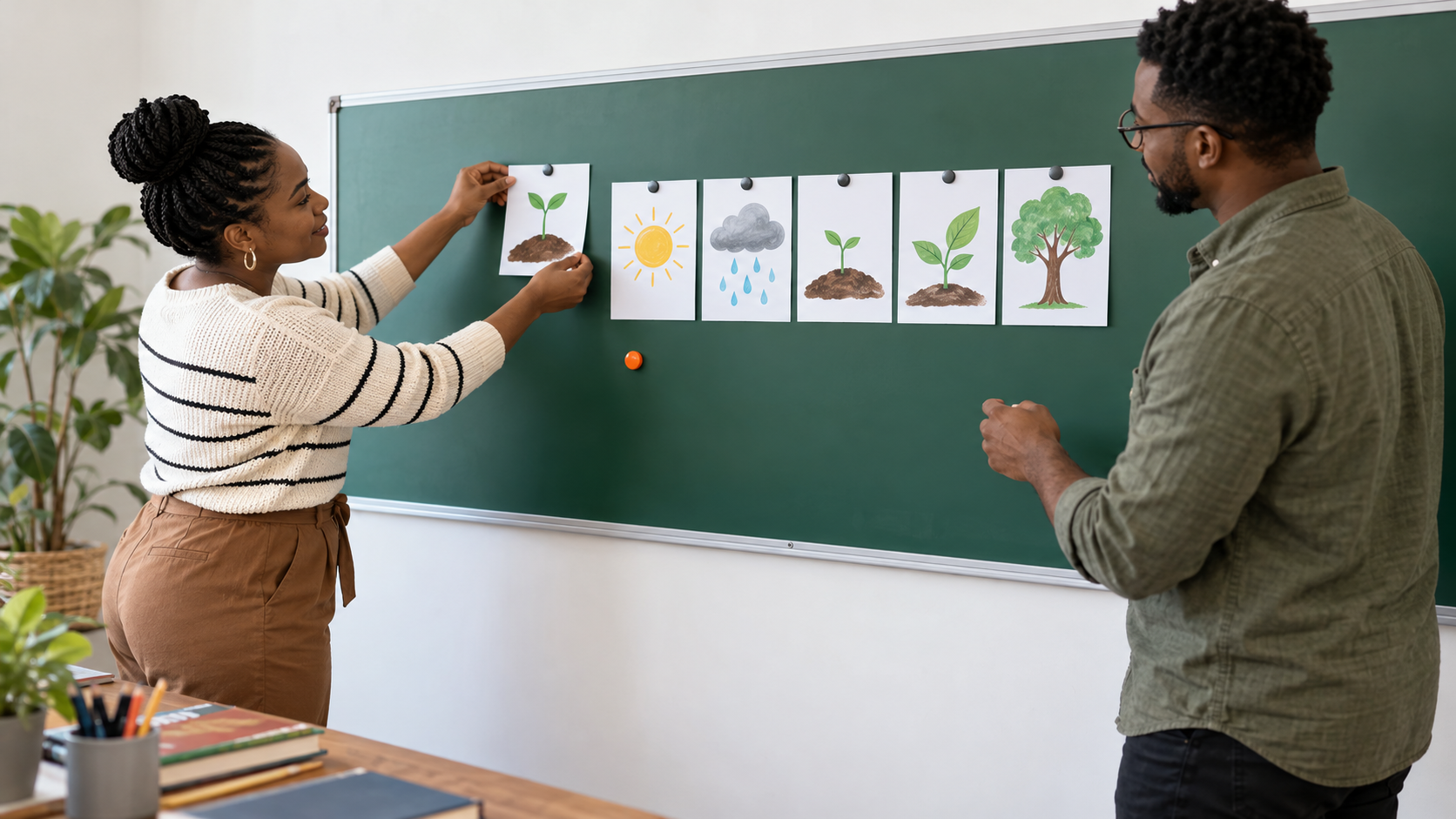
Then order the remaining videos by dependency. If Lesson 4 uses a spreadsheet created in Lesson 2, it should not appear before that setup. A troubleshooting video may belong immediately after the step where the problem usually occurs rather than at the end of the collection.
Use consistent words across the video titles so viewers can see the relationship. Numbering can help a fixed course, but it creates maintenance work when you insert a missing lesson. A descriptive sequence such as “Setup”, “First entry”, “Monthly check” and “Export” may be easier to update.
Choose visibility deliberately
A public playlist can be discovered and shared. An unlisted collection may suit a limited workshop or client handover. A private playlist is visible only according to YouTube’s current private-setting rules. Confirm the chosen setting before sending the link.
YouTube notes that a private playlist is visible only to you, and its interface provides a privacy setting when a playlist is created. Test the link in the intended viewing context. Do not advertise access to a collection that viewers cannot open.
Do not treat every collection as an official series
YouTube also offers series playlists for an official set of videos intended to be viewed together. This has additional conditions: the account must be verified, a video cannot appear in more than one series playlist, and only videos uploaded by the channel and owned by it can be included.
Use that option only when the material genuinely forms one series. A broad subject collection with independent answers may work better as an ordinary playlist. The label should reflect the viewing experience rather than an attempt to force discovery.
Maintain the sequence when the channel changes
Review the playlist after publishing a new lesson or changing a workflow. Remove duplicate items, replace outdated introductions and check that the first video still gives the right starting point. YouTube lets creators edit titles and descriptions, add or remove videos and drag videos into a new order.
Look at playlist-level feedback where it is available, but combine it with viewer questions. A repeated comment such as “Where do I get the template used in the next lesson?” may reveal a sequence problem more clearly than a total view count.
Promote a pathway, not a pile of videos
When sharing the playlist on another platform, describe the outcome and starting point. “Begin with Lesson 1 to build your first monthly cashbook” is more useful than “Watch our playlist”. Link to the collection that matches the audience instead of sending everyone to the channel home page.
Cloutingo provides available promotion services for platforms including YouTube. Each service has its own audience, delivery method and terms, so review the live service catalogue and current conditions. Promotion cannot repair a confusing lesson order or guarantee that viewers will complete the series.
First build one coherent playlist and test it with someone who fits the intended skill level. When the sequence works and a current service suits the promotion goal, register with Cloutingo and use the playlist’s actual share link where the selected service permits it.