
How Nigerian Service Businesses Can Organise Instagram Story Highlights
Instagram Story Highlights work best when they behave like a small directory for your service business. A new visitor should be able to find what you do, who it is for, how the process works, what it may cost and how to contact you without opening every circle. Start with five to seven clear categories, give each one a short title and place the most important information first.
Highlights are not a replacement for good conversations or a complete website. They reduce basic uncertainty before a potential client sends a message. For a Nigerian salon, photographer, makeup artist, fitness coach or repair business, that can mean using the profile space to answer the questions that repeatedly delay a booking.
Choose categories from customer questions
Do not begin with decorative cover ideas. Write down the questions a first-time customer asks before paying or visiting. Group related questions into categories. A beauty studio might use Services, Prices, Process, Results, Location and Care. A photographer might choose Packages, Weddings, Portraits, Studio, Delivery and Bookings.
Each category should have one job. If a circle named “Info” contains prices, opening hours, directions, team introductions and old promotions, visitors still have to search. Split it or remove material that is no longer useful. Avoid internal business labels that customers may not understand.
The first three categories receive the clearest attention on many screens, so order them by visitor need rather than by the date they were created. A practical sequence is:
- Services: what a customer can book or request;
- Process: what happens before, during and after the service;
- Prices: current starting points or a clear route to a quote;
- Proof: permitted work examples, results or client feedback;
- Location: area, landmarks, access and opening information;
- Contact: the preferred booking or enquiry method.
Only use the categories that fit your operation. A home service may need Coverage instead of Location. A bespoke provider may need Consultation instead of fixed Prices. The label should set an honest expectation about what is inside.

Use short titles that survive a small display
A Highlight title can be shortened or crowded depending on the device and interface. Use familiar words that remain clear at a glance. “How It Works” can become “Process”. “Our Current Service Price List” can become “Prices”. Avoid unexplained initials.
Keep cover artwork simple. One recognisable symbol, a solid colour or a close crop from your brand photography is enough. The title already carries meaning, so the cover does not need tiny text. Check every cover at profile size, not only on a large design canvas. Use consistent contrast and spacing, but allow the service photographs inside the Highlight to feel natural.
Build a short sequence inside each Highlight
The order inside a category matters. Open with a plain explanation of what the viewer is about to see. Then present the details in the sequence a customer would experience them. Finish with the next action. A Process Highlight for a tailoring service could move from consultation, to measurements, to fabric confirmation, to fitting, to collection.
One Story frame should communicate one main idea. Use readable text, strong contrast and enough time for someone to understand it. When a frame depends on spoken audio, add useful on-screen words. Avoid adding ten near-identical pictures when two selected examples can explain the point.
Meta introduced Instagram Highlights as a way to select one or more archived Stories, give the collection a cover and title, and make it available from the profile. Its interface may change, so use the current controls in your account. The important editorial choice is to select a purposeful sequence instead of saving everything automatically.
Handle prices and availability carefully
If you publish prices, include enough detail to prevent misunderstanding. State whether a figure is a fixed price, a starting price or an illustrative range. Name the service and what is included. Add a visible “updated” month where price changes are common. Remove an old price before publishing a replacement.
For custom work, explain the factors that affect a quote. A decorator may mention venue size, location, date and materials. A repair business may need to inspect the item first. “Send a message for price” is more useful when the Highlight also tells the visitor what information to send.
Do the same with availability. If bookings close on certain days, say so. If replies are handled only during business hours, state the expected window without promising an exact response time your team cannot maintain. If the business pauses a service, move or remove the related frames instead of leaving the customer to discover the change in a chat.
Use proof with permission and context
A Proof or Results Highlight should help a visitor assess fit. Choose examples that show different relevant needs, not only the most dramatic image. A hair stylist may show texture, length and finished style. A photographer may show lighting or event types. Add a short explanation of the service delivered.
Obtain permission before sharing identifiable client images or messages. Hide personal contact details and do not present generated people as clients. If an image is illustrative, label it clearly. Avoid guarantees such as “you will get the same result” when outcomes depend on the customer, product or service conditions.
Review the profile as a visitor
Ask someone who does not manage the account to complete one task using only the Highlights. For example: find the bridal makeup options, work out whether the studio is near Ikeja and identify how to request a date. Watch where the person hesitates. That reveals unclear titles, missing steps or information buried too far into a sequence.
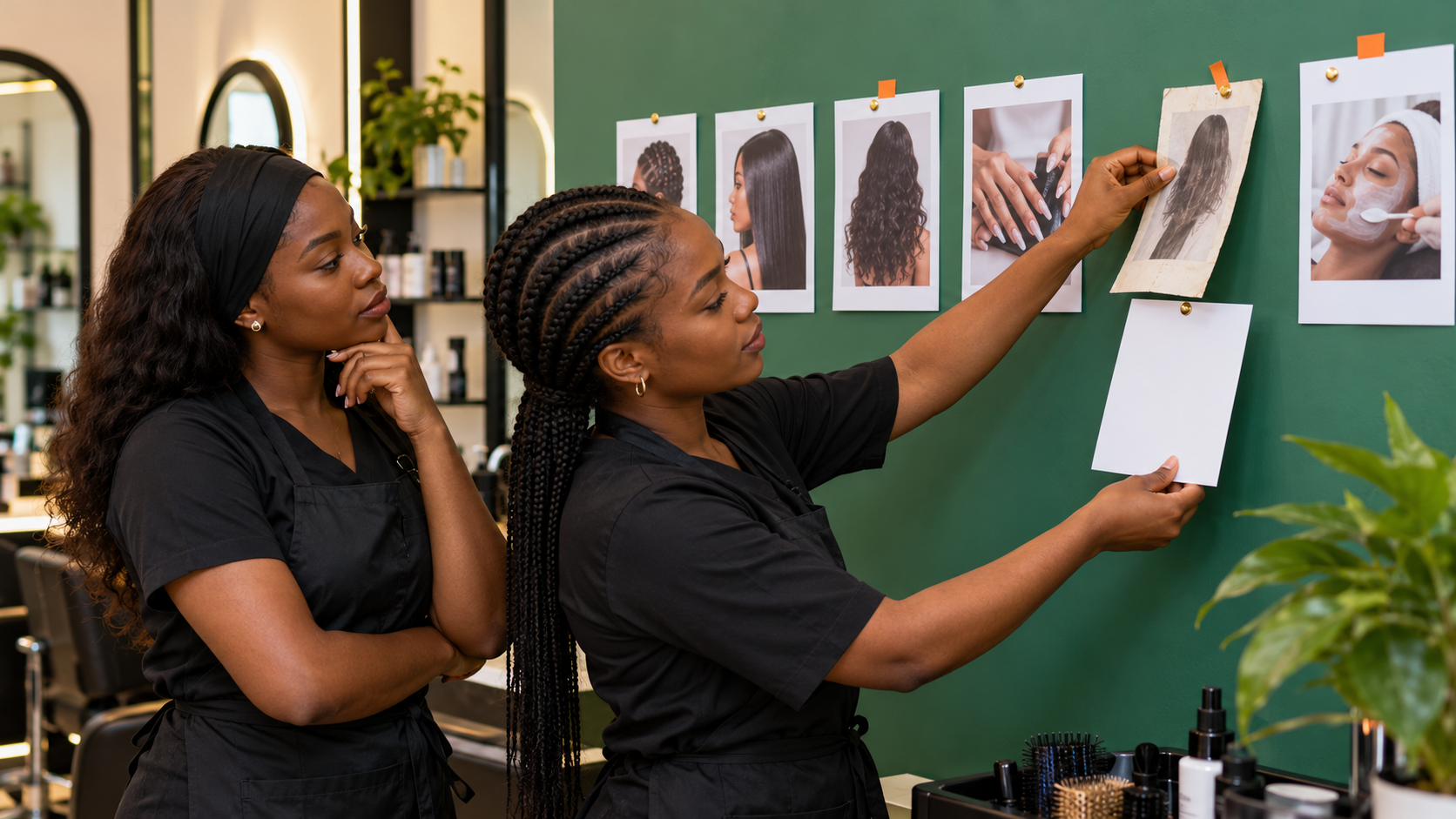
Schedule a simple freshness check whenever a price, location, booking method or service changes. Also review seasonal material after the date has passed. Archive useful frames before removing them from a collection so they remain available for a future rebuild where the platform permits.
Make the next step obvious
Your final frame should match the category. Services can lead to a consultation. Location can lead to directions. Prices can lead to a quote request with the required details. Contact can name the exact channel your team checks. One strong instruction is better than several competing buttons or handles.
Once the profile answers essential questions, useful promotion can introduce it to more people. Cloutingo offers self-service social media marketing services, including available Instagram options, but audience, delivery and conditions vary by service. Check the live service descriptions and Cloutingo terms before ordering. Promotion does not replace accurate Highlights or guarantee enquiries. When an option suits the objective, open your Cloutingo account, place the appropriate order and follow its status in the dashboard.