How Nigerian Service Businesses Can Choose a Facebook Page Action Button
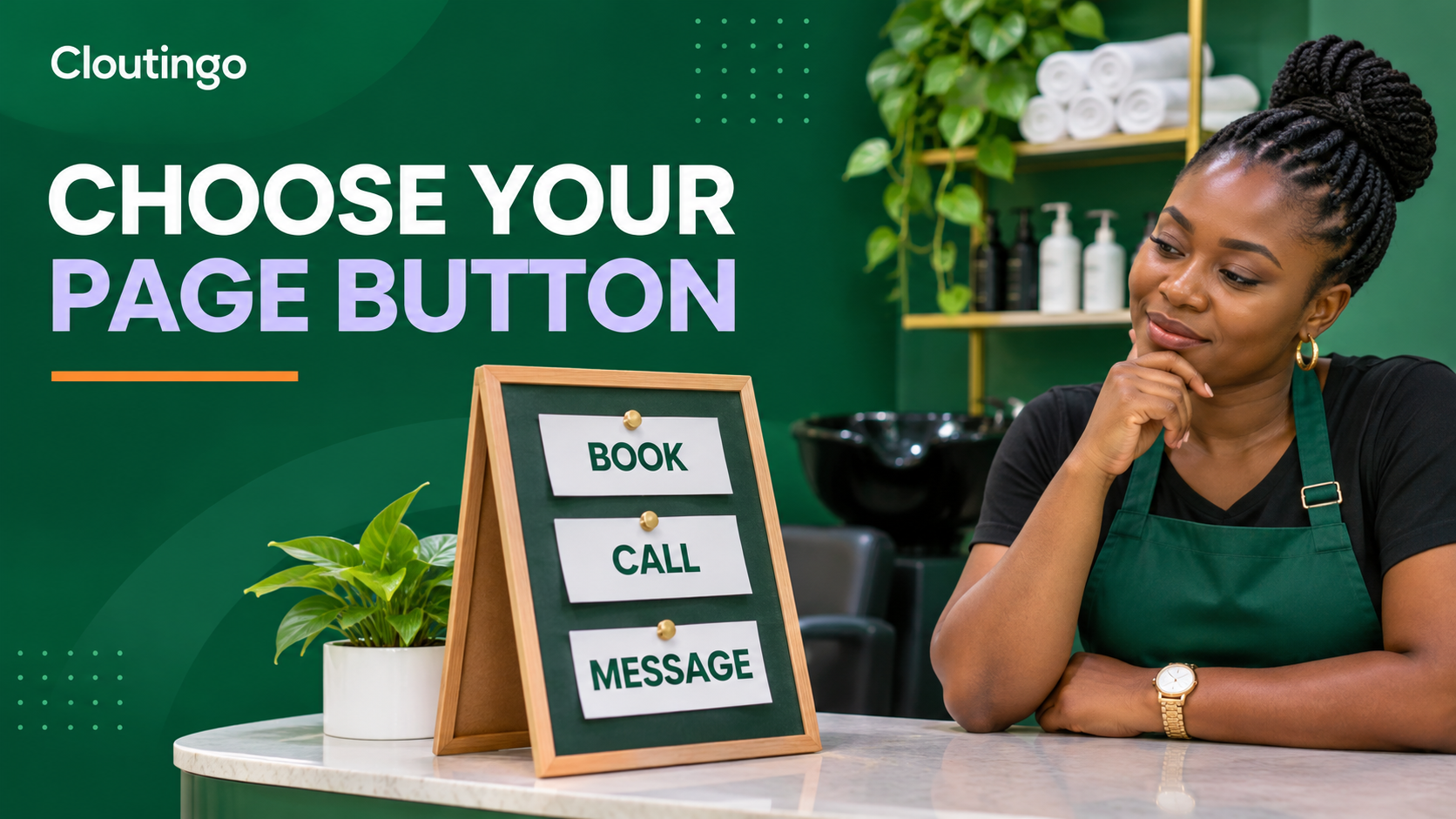
A Facebook Page action button should lead visitors to the next step your business can actually complete. For a Nigerian salon, clinic, repairer, consultant or event vendor, that step may be booking an appointment, calling a staffed line, sending a message or visiting a service page. Choose one primary action, make its destination easy to use on a phone, and test the full journey before promoting the Page.
The button is not a decoration. It is a small conversion path from interest to action. A clear path helps a visitor who has already checked your photos, reviews or posts decide what to do next.
Start with the customer's immediate job
Ask what a serious visitor normally needs at the moment they reach your Page. Do they want to reserve a time, confirm availability, ask about a complex job or pay for a fixed product? Your answer should determine the button, not the option that merely sounds impressive.
Meta supports several Page call-to-action types, including booking, calling, contacting, messaging and shopping actions. The exact labels and controls shown to you can vary by Page setup and device, so use the current options available on your Page rather than relying on an old screenshot. Meta's Page call-to-action reference is a useful official overview of the supported action families.
| Customer's job | Likely action | Use it when |
|---|---|---|
| Reserve a time | Book | Your calendar or booking page shows real availability and confirms the request |
| Get a quick answer | Call | A person answers during the hours shown on the Page |
| Explain a custom need | Message or contact | The team can ask follow-up questions and reply within a stated window |
| View fixed offers | Shop or visit website | Prices, stock or service packages are already clear on the destination page |
Use one primary route instead of three competing routes
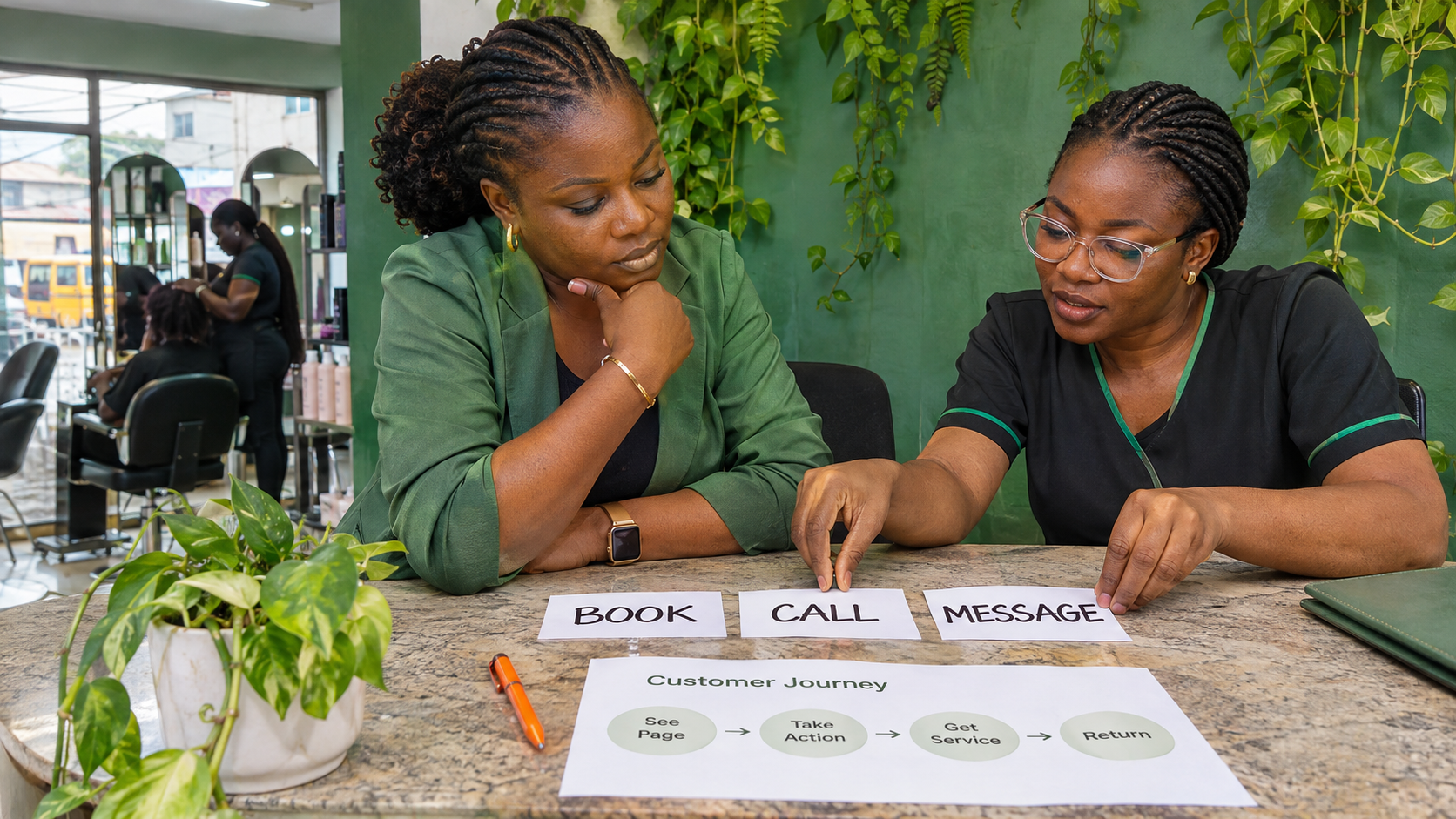
A Page can contain a phone number, address, website and messaging options, but its main button should make the preferred route obvious. If every route is treated as equally urgent, the visitor must work out your process for you.
Consider a Lagos salon that takes appointments and requires a deposit for selected services. A booking action can be stronger than a general message if the booking page displays open times, location, service duration and deposit instructions. The visitor can move forward without waiting for a staff member to type the same information repeatedly.
By contrast, a generator repair business may need photos, a location and a description of the fault before quoting. Messaging could fit that journey better. A call button may work for an emergency locksmith, but only if someone is assigned to answer it. The right button depends on the operating process behind it.
Inspect the destination before you connect it
A strong label cannot rescue a weak destination. Open the link on a normal mobile connection and check what a first-time visitor sees. The business name, service and next step should be obvious without zooming or searching.
For a booking destination, confirm that available times are current, the form asks only for necessary details, the address is accurate and the customer receives a clear acknowledgement. For a phone action, confirm the number includes the correct country code where required and that the published opening hours match the hours when calls are answered. For messaging, prepare a useful welcome prompt and assign responsibility for replies.
Do not connect the button to a broken home page, an expired campaign, a login wall or a page that hides the requested action. If the ideal destination is not ready, fix it first. A temporary message route is better than sending visitors into a dead end.
Test the journey as a customer
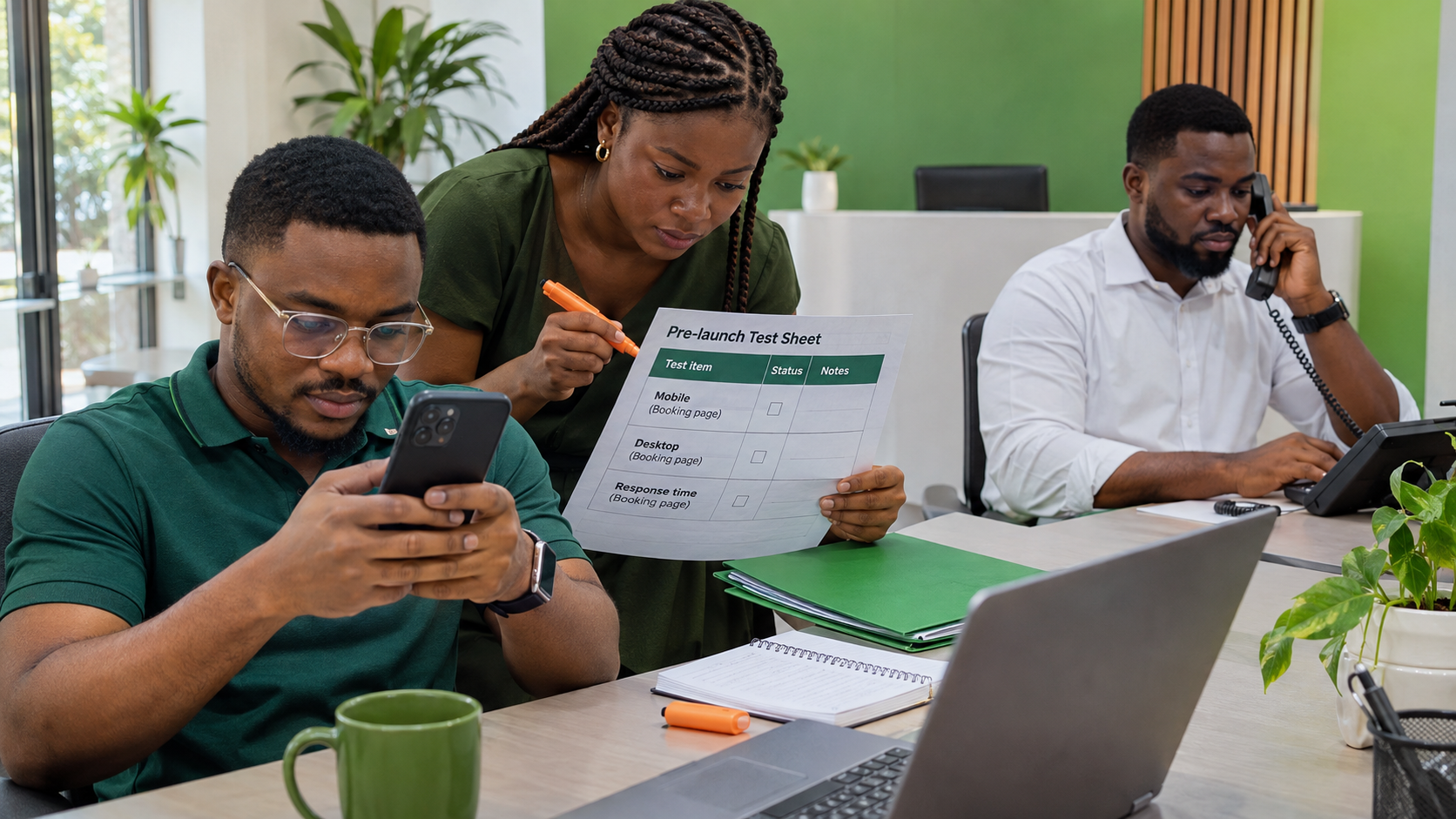
- Use a different account or ask a colleague to test. Page administrators can see controls that ordinary visitors do not.
- Check both mobile and desktop. The button and destination should work in each view, even if mobile is the priority.
- Complete the action. Make a test booking, place a test call or send a real test message. Do not stop after the first click.
- Confirm ownership. The right staff member should receive the booking, call or message and know what to do next.
- Remove the test record. Cancel any test appointment and label internal test messages so they do not enter the live queue.
This check often exposes problems outside Facebook: an unanswered line, an outdated rota, a missing confirmation email or a form that is too long. Those are business-process problems, and changing the button alone will not solve them.
Measure actions, then compare them with outcomes
Meta documents page_total_actions as the number of clicks on a Page's contact information and call-to-action button. That makes action clicks a useful signal, but a click is not the same as a completed booking, answered call or sale. Compare Page activity with the records in the receiving system.
A salon might record button activity alongside completed booking forms. A consultant might tag enquiries that began on Facebook. A repair business can ask callers how they found the number. Use a simple weekly review rather than claiming every click produced revenue.
If clicks are healthy but completions are weak, examine the destination and handoff. If the button receives little attention, check whether the Page content attracts the right visitors and whether the action is relevant to what those visitors want.
Review the button whenever the operating process changes
A useful button can become misleading after a staff change, holiday closure, new booking system or disconnected number. Add the Page action to your monthly business checks. Test it again after changing a domain, phone line, calendar, opening hours or service model.
Promotion can bring more people to the Page, but it does not repair the path that follows. Before ordering any available Facebook promotion service, review the current options on Cloutingo's services page and read the service terms. Individual services differ in audience, delivery and conditions, and purchased engagement should support a working customer journey rather than replace one.
When the Page, button and destination are aligned, you can create a Cloutingo account and select only a service whose description fits your aim. Keep the promise modest: the button gives interested visitors a clearer next step; it does not guarantee bookings or sales.